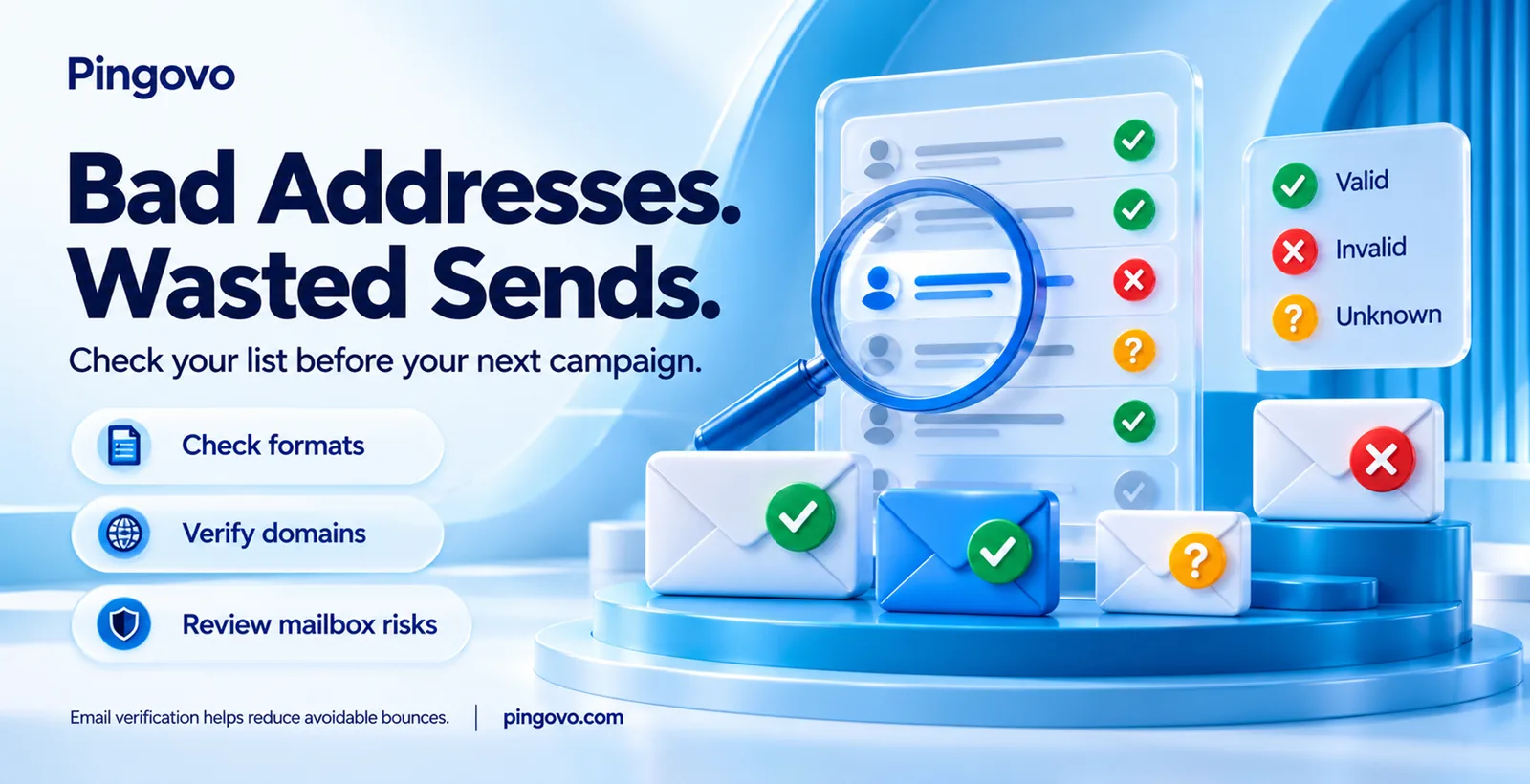
Imagine sending a campaign to 5,000 contacts collected through webinars, signup forms, and older spreadsheets. The next morning, hundreds of messages come back undelivered. You spent time preparing the email, but part of your list never received it.
Typos, outdated contacts, and invalid email addresses can lead to these failures. Email verification helps identify potentially undeliverable addresses before you send, helping you reduce your email bounce rate and avoid wasted sends.
This guide explains how verification works, what the results mean, and where its limits lie—so you can prepare your next campaign with a cleaner contact list.
What Is Email Verification?
Email verification is the process of checking whether an email address is likely to receive messages before you send to it. It helps identify typing errors, invalid domains, and mailboxes that may no longer work.
An email verification tool checks the address format, domain records, and available mail-server responses. It then returns a result, such as valid, invalid, risky, or unknown.
You may also see the term email validation. Some providers use both terms interchangeably; others use validation for basic checks and verification for deeper mailbox checks.
A valid result does not guarantee delivery or confirm that the person has agreed to receive marketing emails.
What Are Email Bounces and Bounce Rate?
An email bounces when it cannot be delivered to the recipient. Your sending platform usually records the failure and its reason.
Email bounce rate is the percentage of sent emails that could not be delivered. If you send 1,000 emails and 50 bounce, your bounce rate is 5%.
When comparing hard bounce vs soft bounce, the main difference is whether the delivery failure is permanent or temporary:
- Hard bounce: A permanent failure, such as a nonexistent mailbox or invalid domain. Remove or suppress these addresses from future campaigns.
- Soft bounce: A temporary failure, such as a full inbox or an unavailable mail server. Delivery may succeed on a later attempt.
Verification helps identify some addresses likely to cause hard bounces. It cannot prevent every failure, especially temporary issues that occur when you send.
How Does Email Verification Work?
A good verifier does not rely on one test. It runs a series of checks to verify email addresses, each catching a different kind of problem. Here are the main checks involved.
1. Syntax Check
This is the format check. A valid address has a name, an “@” symbol, and a domain, like [email protected]. The tool catches obvious errors such as a missing “@” or an incorrectly formatted domain.
2. Domain and DNS Check
The part after “@” is the domain. The tool asks the internet’s address book, called DNS (Domain Name System), whether that domain exists.
Typos in domain names are a common problem. However, a mistyped domain can still exist, so this check alone cannot confirm the intended address.
3. MX Record Check
Even if a domain exists, it may not handle email. Think of a shop that is real but has no letterbox.
MX (Mail Exchange) records are DNS entries that identify the servers receiving mail for a domain. The tool checks these records to assess email routing.
A missing MX record does not automatically make an address invalid, because email delivery can sometimes use a fallback.
4. SMTP Check—the Mailbox Test
SMTP (Simple Mail Transfer Protocol) is the language mail servers use to talk to each other.
The verifier connects to the receiving server and begins a conversation, much like an email would. It checks whether the server accepts the recipient, then closes the connection before delivering a message.
It is a bit like calling a company’s reception and asking, “Is Mr. Sharma available?”
However, the answer is not always clear. Some servers block verification requests, accept every address, or temporarily fail to respond. The result may therefore remain uncertain.
5. Extra Checks for Risky Addresses
An address can exist and still need closer review. Depending on the provider, a tool may also check for:
- Disposable emails: Temporary addresses that may expire soon after someone uses them to sign up.
- Role-based emails: Shared inboxes such as info@, support@, and admin@. These are not automatically invalid, but their suitability depends on the purpose and permission to contact them.
- Catch-all domains: Some servers accept mail for any name before “@”. This makes it harder to confirm whether a specific mailbox exists.
- Possible spam traps: Some tools flag known or suspected trap addresses. Detection varies by provider and cannot be treated as a complete safeguard.
What Do the Results Look Like?
After these checks, each address usually lands in one of the following categories. The exact labels vary by tool.
Result
|
What it means
|
What you should do
|
|
Valid |
Checks suggest the address can receive email; delivery is not guaranteed.
|
Send only if you have an appropriate basis to contact the recipient.
|
|
Invalid |
The address has a confirmed format, domain, or mailbox problem.
|
Remove or suppress it from your sending list.
|
|
Risky |
The address needs closer review, such as a catch-all or disposable address.
|
Review before including it in a campaign.
|
|
Unknown |
The tool could not confirm the address’s status. |
Recheck later rather than treating it as valid. |
The “risky” bucket is where judgement comes in. Review how the address was collected and whether the recipient expects your emails. An uncertain result should not automatically be treated as safe to send.
Why Your Bounce Rate Depends on Verification
Now the main question: what do repeated bounces actually cost you?
They can damage your sender reputation. Gmail, Yahoo, and Outlook assess your sending behaviour. Sending to lots of dead addresses can signal poor list maintenance. Checking your list before sending helps protect your email sender reputation, although verification alone cannot guarantee inbox placement.
They can waste your money. Depending on your provider’s pricing, failed emails may still use sending credits or count towards plan limits.
They can make campaign results harder to interpret. If 800 of your 5,000 emails never arrive, fewer people have a chance to respond. You may blame the subject line when part of the problem is your list. Check delivery failures alongside engagement metrics.
They can get your account paused. Sending services may restrict accounts with excessive bounce rates. Losing access during a campaign can interrupt your plans.
Verification helps identify potentially undeliverable addresses before they become failed sends. Your sending setup and practices still matter.
Where Do Bad Email Addresses Come From?
If you are wondering whether your own list needs checking, think about where the addresses came from.
- Typos at signup. Missing letters or misspelled domains can create invalid email addresses. Fast typing on a phone can easily introduce these mistakes.
- Old lists. People change jobs, and company mailboxes get deleted. A list that worked two years ago may contain addresses that no longer receive mail.
- Purchased or scraped lists. These may contain outdated, fake, or trap addresses. You may also lack reliable information about how they were collected or whether recipients agreed to receive marketing emails.
- Offline data. Handwritten forms and visiting cards can be read incorrectly when entered into a spreadsheet.
Even a carefully collected list changes over time. Email list verification helps identify addresses that need removing or reviewing before your next campaign.
When Should You Verify Emails?
A few moments are worth building into your routine:
1. Before a big campaign, especially if the list is old or has not been checked recently. Bulk email verification lets you check multiple addresses together.
2. At the time of signup, through a verification API, so typing errors can be flagged while the person is still on your form.
3. Before a win-back campaign. Contacts you have not emailed for a while may have changed or closed their addresses.
4. Periodically for lists you use regularly. Every three to six months can be a starting point, adjusted to your list’s age, sources, and bounce reports.
A previously verified address can stop working later. Continue reviewing bounce reports and suppressing hard-bounced addresses between checks.
A Simple Routine You Can Follow
You don’t need to be technical for this. Here is a practical order for most small teams:
1. Export your list as a CSV or Excel file and remove duplicates, so you don’t pay to check the same address twice.
2. Upload it to an email verification tool and wait for the results.
3. Remove or suppress invalid addresses. Review risky results and recheck unknown ones before including them in a campaign.
4. After the campaign, check your bounce report. If the rate is still high, review the failure reasons and your sending setup.
You can use Pingovo’s email verification to check addresses before sending, or choose bulk email verification for a larger list.
Keep unsubscribed contacts suppressed when importing your checked list into a sending platform. A valid verification result does not override an unsubscribe request.
What Email Verification Cannot Do
It is only fair to be honest about the limits.
- It cannot confirm every catch-all address. The server may accept any recipient, so the tool cannot always tell whether a specific mailbox exists.
- It cannot fix a bad sending setup. Authentication problems or sudden increases in sending volume still need attention.
- It cannot prevent every bounce or guarantee inbox placement. Full inboxes, temporary server issues, and filtering can still affect delivery.
- It cannot confirm permission to send marketing emails. An address being valid does not mean its owner has agreed to receive your campaigns.
Verification is one part of preparing your list. Good sending practices and respecting recipients’ preferences remain necessary.
Final Thoughts
Checking your email list before sending can help you avoid preventable bounces and wasted sends. Email verification identifies invalid addresses and flags others that need closer review, but it cannot guarantee delivery.
Before your next campaign, verify older contacts, review uncertain results, and keep unsubscribed addresses suppressed. After sending, use your bounce reports to keep the list up to date.
Ready to check your contacts? Start with Pingovo’s email verification tool.
Frequently Asked Questions
1. What Is Email Verification in Simple Words?
It is a check that assesses whether an email address is likely to receive messages. It helps flag invalid or uncertain addresses before you send.
2. Does Email Verification Send an Email to the Person?
Most verification tools check domain records and mail-server responses without delivering a message. This differs from a confirmation email that asks someone to click a link.
3. What Is a Good Email Bounce Rate?
Aim to keep your bounce rate as low as possible and follow your sending provider’s limits. A sudden increase is a reason to check your list and delivery failure reports.
4. Is Email Verification the Same as Email Validation?
The terms are often used interchangeably. Some tools use “validation” for basic format checks and “verification” for deeper checks, including mailbox availability.
5. How Often Should I Verify My Email List?
Check older or newly imported lists before sending. Every three to six months can be a starting point for regular reviews, adjusted to your list’s condition and bounce reports.
6. Can Email Verification Prevent All Bounces?
No. It helps identify addresses likely to fail, but temporary server issues, full inboxes, and changes after verification can still cause bounces.