Picture this. You run a small business in Pune, and last Diwali you sent a sale announcement to your entire customer list of 3,000 people. Only 900 of them opened it. A few regular customers later told you the email was sitting in their spam folder, not their inbox. Nothing was wrong with your offer or your writing. Something in the way Gmail or Outlook prioritized your email caused it to not appear in your main inbox.
That's happened much more frequently than you might actually know, and there's a reason why that started happening. Spam filters used to be fairly simple programs. Today, they run on machine learning models that study billions of emails every day and make decisions in a fraction of a second. If you send emails for a living, or even occasionally for your business, understanding this shift will save you a lot of confusion.
What a spam filter actually used to do
In the early days of email spam, the main spam filters worked purely based on keywords. Emails that included words such as 'free', 'guaranteed' or excessive use of exclamation marks were flagged up as spam. Providers also kept lists of known bad senders, called blacklists (sometimes written as RBLs, or Realtime Blackhole Lists). If the IP address of the mail server that sent the email was on any one of these lists, the messages were either blocked, or delivered to the spam/junk mailbox regardless of their content.
This worked reasonably well against lazy spammers, but it had a big problem. It couldn't tell a scam email apart from a genuine newsletter that happened to use the word "free" in its subject line. Legitimate businesses got hurt along with spammers, and spammers figured out ways around the problem, sending spam messages and emails anyway. They both had to play a guessing game with an almost idiotic system.
Where AI entered the picture
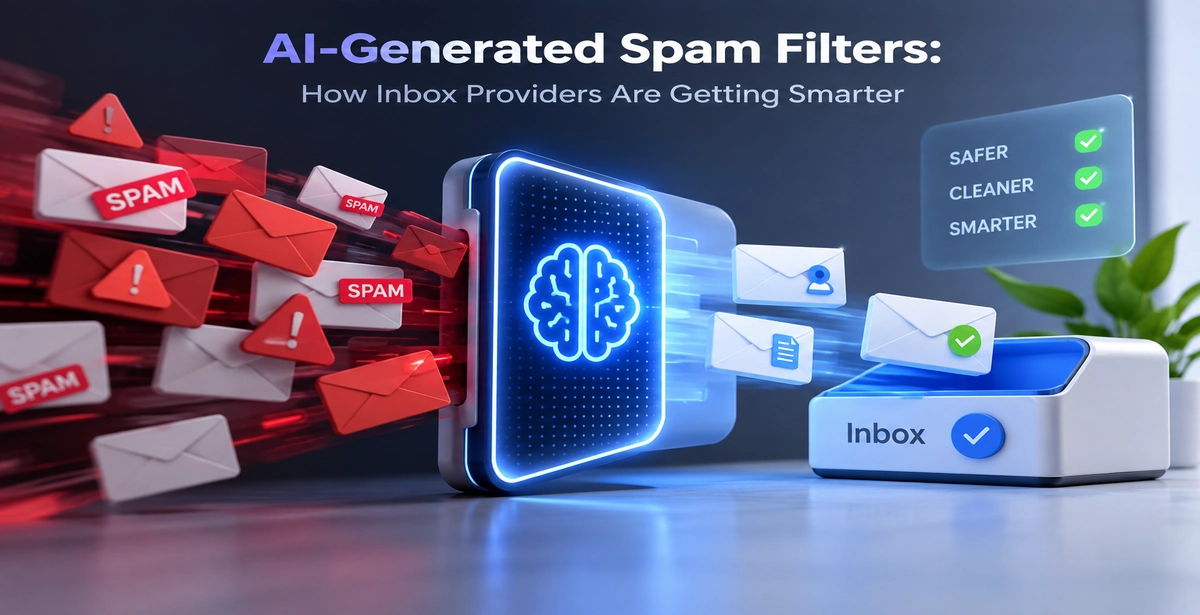
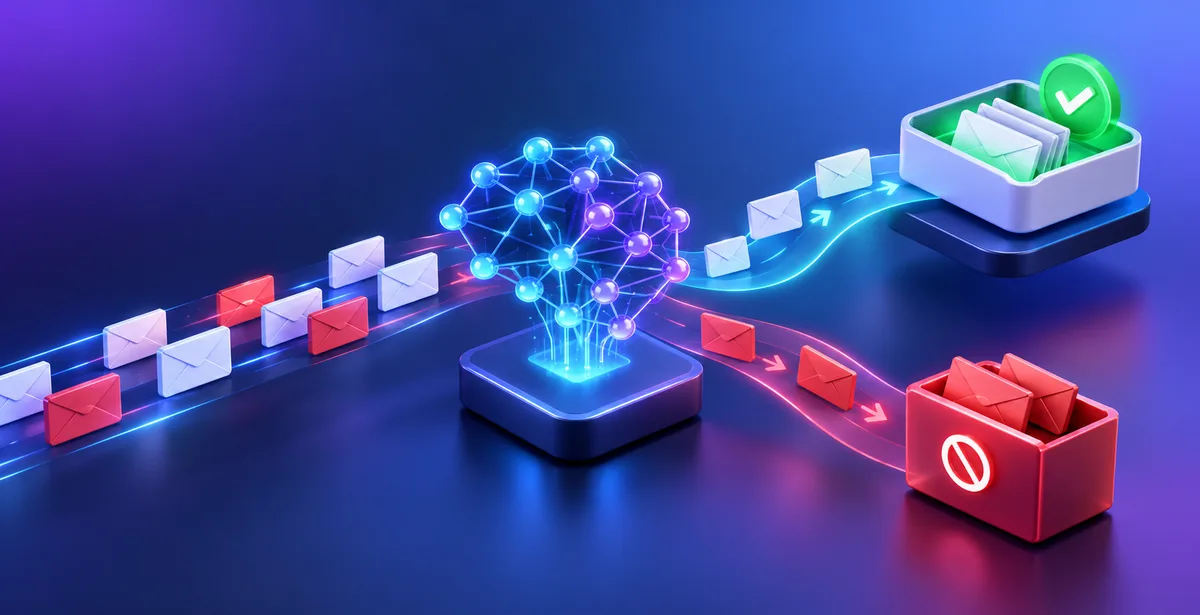
Somewhere around the mid-2010s, major inbox providers such as Google, Microsoft, and Yahoo, started transitioning away from rule-based filters, and towards machine-learning-based systems. By machine learning, essentially what that means is, rather than telling the computer exactly which rules to follow, you give it a giant database of information, spam and non-spam, and it determines the patterns and relationships between them itself.
Rather than simply looking for the word "free" in an email message, modern spam filters analyze hundreds of different factors, including the format of the message, the sender, past behavior of the sender, the destination of any links in the message, and most important, the actions of other users who receive similar messages. None of these signals matter much on their own, but the combination gives a fairly accurate picture, which is why two nearly identical marketing emails from two different companies can have completely different fates.
So, one message gets delivered to the Inbox, but a similar message goes to the Spam folder, even though they look almost identical to a human reader.
The signals that actually decide your fate
A few things carry more weight than people expect.
Engagement is the biggest one. When Gmail sees that a large number of recipients open your email, reply to it, or move it from spam to inbox manually, it treats that as a strong positive signal. If people delete your email without opening it, or worse, click "Report Spam," the system remembers this and applies it to your entire sending domain going forward, not just that one email.
Sender reputation is similar to a credit score. However, instead of focusing on repayment of debts, it is a measure of the trustworthiness of your sending domain and IP address. A brand-new domain with no history has no reputation at all, which itself can be a red flag, since most spam also comes from freshly created domains.
Authentication records matter a lot too. These are technical settings called SPF, DKIM, and DMARC. SPF is a list that tells inbox providers which servers are allowed to send mail on your behalf. DKIM is like a digital signature attached to your email that proves it wasn't altered on the way. DMARC tells providers what to do if an email fails these checks.Emails which lack these settings tend to look suspicious anyway, even if the content is completely innocent.
List quality is often overlooked. A list with lots of invalid, inactive, or fake addresses will greatly increase your bounce rate, which is a big red flag for many email service providers.
Spam traps, and why they're scarier than they sound
A spam trap is an email address created by an inbox provider or a security company that is used exclusively to identify spammers. The trap inbox is not a real mailbox that belongs to an individual and has been opted in to receive communications. A trap is used to reveal that a company’s email list has been purchased or harvested from bad sources or that it contains a significant number of dead addresses that have been turned into spam traps.
Hitting even a handful of spam traps can damage your reputation badly, which is one reason buying email lists is such a bad idea, however tempting it looks for a quick campaign.
Why genuine businesses still get flagged
Here is the problem that makes many small business owners and marketers angry. There is no need to be a spammer to be treated like one. Several cases are typical for honest senders, but they still trigger filters.
Such situations may include sending too many letters at once from a new emails, which spammers also do at the beginning of their work. In this case, the program will not recognize the sender as reliable since it does not have any past history.It only sees a new domain sending thousands of emails at once, which statistically matches spam behaviour far more often than genuine behaviour.
Low engagement over time is another trap. If open rates have been dropping for months and you keep mailing the same unresponsive list, your reputation gets downgraded slowly, even if you never intended to spam anyone. Formatting mistakes play a role too. Emails that are almost entirely one large image with barely any text, or emails packed with too many links, resemble patterns common in phishing and promotional spam, so they get treated with more suspicion by default.
What Gmail and Outlook are actually doing behind the scenes
Google's Postmaster Tools gives a small glimpse into this. It tells senders what their own spam rate, domain reputation and IP reputation is according to Gmail, and doesn't judge your email quality on its own. It compares your email stats to a constantly-updating reference point of other senders, kind of like a running reference of what a typical business of your size, sending emails at the same frequency is doing.
Microsoft has an equivalent for Outlook and Hotmail, called SNDS (Smart Network Data Services) which does the equivalent for IP reputation. Both companies are moving more to a model that updates constantly (within hours) rather than previous blacklist methods, which could take up to a few weeks to update.
What this means if you send emails regularly
If you run campaigns, newsletters, or outreach for a business, the practical takeaway is fairly simple: AI spam filters reward consistency, cleanliness, and real engagement, and they punish shortcuts.
A clean list matters more than a big list. Sending to 2,000 verified people who actually want your emails does more for your inbox placement than sending to 10,000 addresses where a chunk bounce back or never engage.This is why list verification happens before send and not after. By checking each address from a syntax, DNS/MX and SMTP level and flagging disposable, role or catch-all addresses for removal before hitting send, bounce rates are kept down and reputation protected.Pingovo's verification tool runs this exact check on a list before a campaign goes out, which is a fairly direct way to avoid the biggest reputation hit most senders run into without realising it.
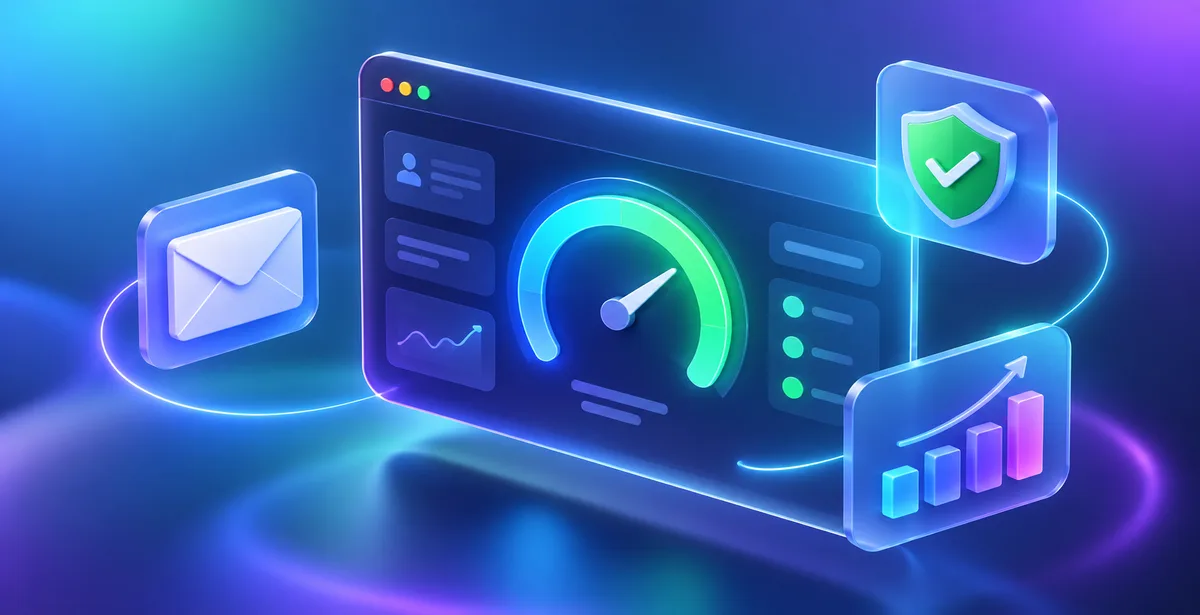
New sending domains also need patience. A mailbox without sending history benefits from gradual increase in traffic volume, and not jumping right into large quantity of messages. This process is often referred to as warm-up, which means establishing a track-record of positive engagement before launching bigger campaigns. Pingovo's warm-up feature takes care of this ramp-up process automatically and keeps track of your health score, so you know that your mailbox is ready for heavy duty or not. Once a campaign is running, watching open and click behaviour tells you early if something is off, well before your entire domain reputation takes a hit.
A few quick questions people often ask
Does AI spam filtering mean keyword based filtering is dead?
Not entirely. Keywords and known bad links are still used, but they're just part of the equation now.
Can one bad email campaign ruin my sender reputation permanently?
Usually not. But a single careless send with a poor-quality list can set your reputation back for weeks, since it recovers gradually as good sending behaviour builds up again.
Is there a way to check my domain's reputation before sending?
Yes. Google Postmaster Tools and Microsoft SNDS provide a direct view into the problem, and services with built-in reputation scores (like Pingovo's warm-up dashboard) offer a similar assessment without additional sign-ups.
Do small businesses really need to worry about this, or is it only for large marketing teams?
Small businesses arguably need to worry more, since they usually don't have an established sending history to fall back on, which is exactly what these filters are most cautious about.
Where this leaves senders?
Spam filters aren't trying to block marketing or outreach. They are trying to protect an inbox experience which would otherwise be unusable if every inbox was full of spam like it was in the early 2000s. AI made that protection much more accurate, but it also makes tricks that worked before, like adjusting the subject line to avoid keyword filtering, ineffective.
The things that really work are much less interesting: a clean list, a properly authenticated domain, sending at a reasonable pace, and sending emails people actually want to read. Not as exciting to write about, but much more likely to keep you out of the spam folder in 2026, and will probably continue to be important as these systems continue to learn.