Most people find out their sender score is bad only after it has already gone bad.Lower open rates, few replies, and then you run a deliverability check to find that half of your last campaign was tainted and sitting in the spam folders of your subscribers. Usually these mistakes are made weeks prior and were recommended by advice that seemed logical at the time.
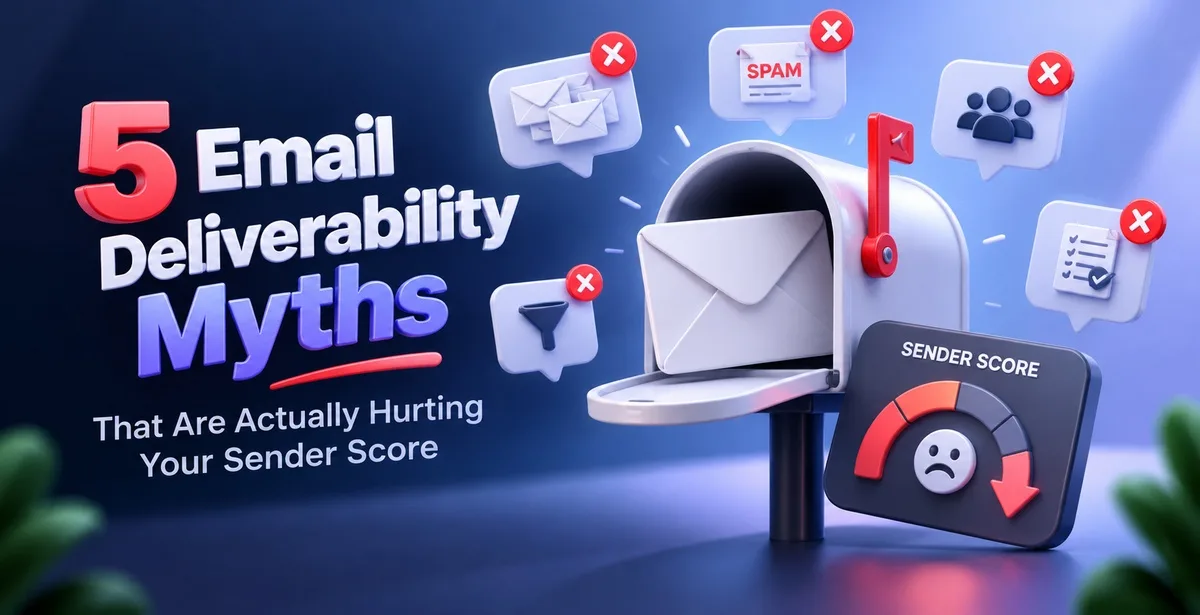
In simple words, sender score is how much Gmail, Outlook, Yahoo and other mailbox providers trust the mail coming from a particular domain or IP address.The number is not usually displayed in a single dashboard. Every email service provider calculates its own version of the number, based on a range of different signals including open rates, spam click-through rates, hard bounces, and other data points relating to the sending history of the account.A healthy score gets you into the inbox. A weak one gets you filtered into spam, or blocked outright.
Much of the advice given for email is against your email score. In this article we’ll look at five apparently harmless pieces of advice.
Sending more emails does not automatically mean more people see them
A new business domain, or even a fresh email account on an old domain, has no sending history yet.The mailbox provider has no idea whether you are a real business or just testing out the waters. As a result, they monitor newly created accounts for a couple of weeks.
If that account suddenly sends a couple of thousand emails on day one, providers tend to treat it as suspicious rather than impressive. This is more or less what happened to a stationery brand in Pune that moved from a personal Gmail account to its own domain for outreach. On day one, they mailed their entire list of around 3,000 contacts in one go. Within two days, new mail from that domain was landing in spam - including messages to old customers who had bought from them before.
The fix is not to send fewer good emails; it is to build up sending volume gradually, the way a new credit card usually starts with a low limit and grows based on repayment history. Email warmup services gradually increase the volume of emails sent over days or even weeks while measuring mailbox provider responses along the way.Pingovo's warmup feature follows this ramp-up pattern automatically, so a new domain earns some trust before it is put to work on a real campaign.
A bigger list is not a better list, even if buying one feels like a shortcut
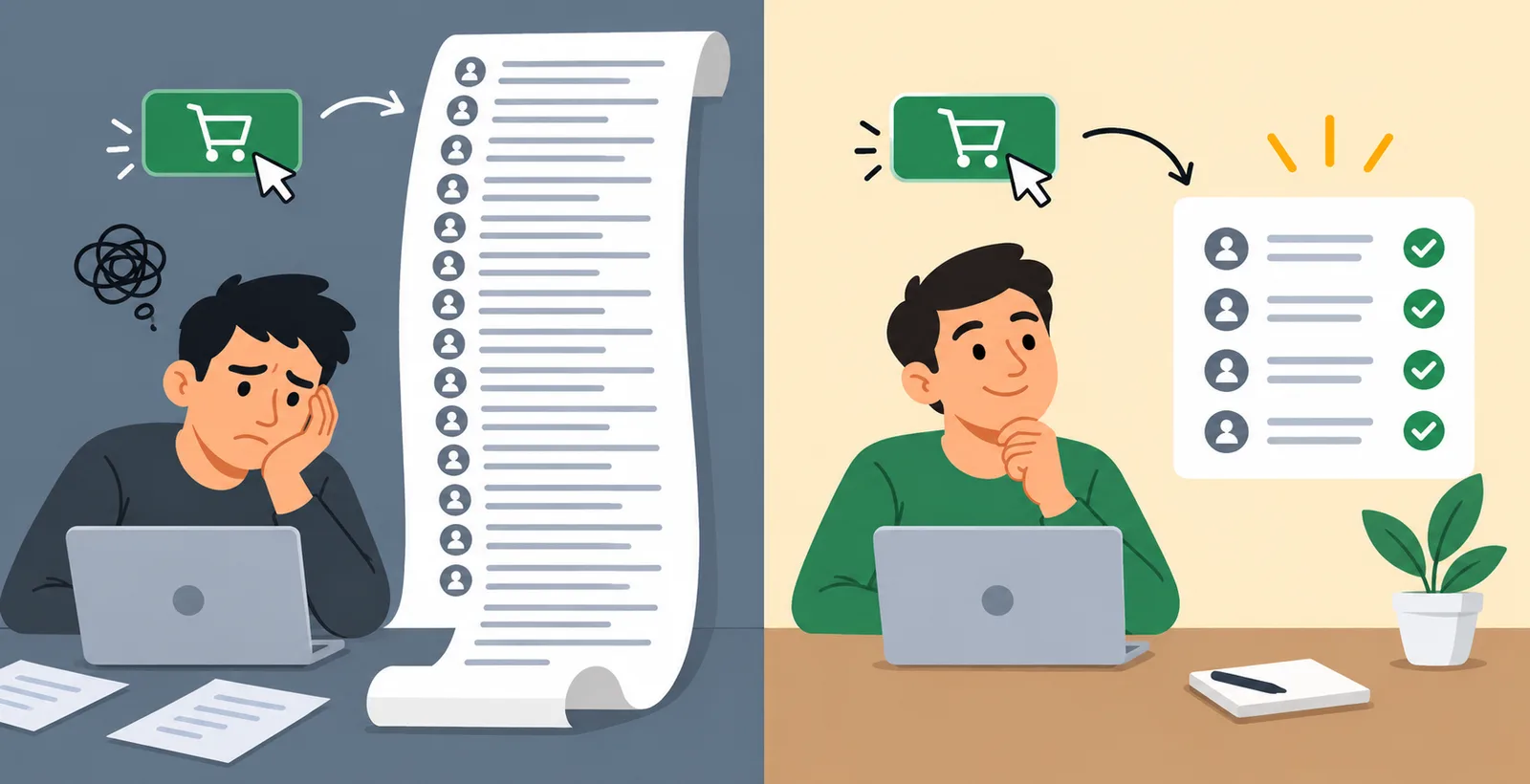
Buying or scraping an email list looks like a fast way to grow reach. In practice, it is one of the quickest ways to damage a sender score, because these lists are full of addresses that no longer exist, were never real, or belong to people who have never heard of the business now emailing them.
When a large share of a batch bounces, mailbox providers read that as carelessness on the sender's part, not bad luck. A recruitment firm in Delhi once bought a list of around 8,000 HR contacts for a hiring push. Close to 30 percent bounced immediately, and a chunk of the rest reported the mail as spam since they had never signed up for anything from that company. Their sending domain took months to recover from that one send.
Bounce rate is simply the share of emails that fail to reach any inbox at all - some bounce because the address is wrong, others because the mailbox does not exist anymore. Providers generally expect this to stay under around 2 percent; go higher, and they start filtering that sender's future mail more aggressively.Verify your email list before you send by checking for domain existence, mailbox existence and whether the email address is disposable or a role account (such as info@ or admin@). Most of these types of email addresses will be caught before they result in a bounce.Pingovo's bulk verification does this from a single CSV or Excel upload, checking each address at the DNS, MX and SMTP level.
Removing the unsubscribe link does not keep people on the list - it just changes how they leave
The common wisdom among list managers is that by not providing an unsubscribe link or by hiding it, the list numbers will look better because no one will be able to opt out. But people who no longer want to receive mail from you will find a way to make you stop sending to them. They will click “Report spam” which is the only other link you have provided.
A spam complaint is a much heavier penalty than an unsubscribe. Gmail and Outlook track complaint rates closely, and even a small share of complaints - well under 1 percent, by most providers' internal benchmarks - is enough to start routing future mail to spam automatically. An unsubscribe, by comparison, barely dents a sender score at all; it is treated as a normal, expected outcome of sending mail.
A Coaching Institute in Lucknow recently fell victim to this. They had been sending out a weekly newsletter to promote their coaching, and didn’t include an opt-out link in the footer. They hadn’t had any complaints for months, but slowly over the space of a few months, open rates on their Gmail addresses dropped to almost zero, whilst their Outlook addresses were unaffected – one of the providers had silently flagged them.
Having an SPF record does not mean a domain is fully authenticated
SPF, DKIM and DMARC are three separate checks that mailbox providers run to confirm an email genuinely comes from who it claims to. Many people set up SPF - a record listing which mail servers are allowed to send on behalf of a domain - and assume the authentication work is finished there.
SPF alone leaves gaps. It does not confirm that the email content was left untouched in transit, and it does not tell providers what to do if a check fails.DKIM signs emails with a digital signature that can’t be altered after the email has left the sender’s server. DMARC sits above both and tells providers what action to take - quarantine, reject, or do nothing - when SPF or DKIM fails. Without DMARC, providers are left to guess, and most err on the side of caution by routing that mail to spam.
A digital marketing agency, running email outreach for their clients, set up SPF records for their domain a while ago. However, they failed to set up the necessary DKIM and DMARC records. The agency assumed one record was enough. Their emails passed the basic check but kept landing in Gmail's Promotions tab or spam folder, because the missing DKIM signature made the domain look only partly configured. Pingovo sets up SPF, DKIM and a dedicated sending subdomain automatically the first time a domain is connected, so this gap does not open up in the first place.
A high open rate does not always mean the email reached the inbox
This one catches even experienced senders off guard. Most tracking of open rate includes a very small invisible image that loads when an email is opened. For a large share of iPhone users who have Apple enabled Mail Privacy Protection, that image automatically loads all emails for that user whether they opened it or not. This means that your open rate may look healthy when in fact engagement is very low.
Online furniture retailer based in Mumbai noted that their campaigns had an average open rate of 58% but were delivering almost no clicks or conversions from those opens. Instead of relying on open rate, the retailer monitored inbox-versus-spam placement and discovered that nearly half of their campaigns were being sent to the spam folder of their subscribers. Moreover, the “opens” from the Apple automatic pre-fetch program did not constitute real opens from actual readers of the email.
Much more meaningful than open rates are click rates, reply rates and most importantly tracking actual inbox placement. This is why tracking email health as a combined score - bounce, complaint and engagement data together, the way Pingovo's health score works - tends to be more reliable than watching open rate by itself.
Bringing it together
None of these five habits look harmful in isolation. Sending more, growing a list quickly, keeping the unsubscribe count low, set up "some" authentication, chasing a higher open rate - each one sounds like ordinary marketing sense.But each of these ways to improve your email marketing can slowly chip away at your sender score by eating away at your trust signals that the mailbox providers are quietly tracking and which can affect your inbox placement numbers without warning.
Fixing a sender score rarely happens due to a single decisive action. More often than not, it is a process of steady and unglamorous maintenance — warmup of new domains, checking the list before sending, having the unsubscribe button in emails, setting SPF, DKIM, and DMARC records for the domain and checking the engagement rate instead of only the open rate.
Frequently asked questions
What counts as a good sender score?
Most tools consider a score above 80 (out of 100) healthy.Below 60 means a lot of email is likely being held for spam rather than delivered to your inbox.
How long does email warmup take?
The time frame for volume increase is usually 2-6 weeks. A slow increase over time is best for a new domain, rather than trying to increase volume too quickly.
Does verifying a list before sending actually improve deliverability?
Yes. Removing invalid, disposable and role-based addresses before a send lowers bounce rate directly, and bounce rate is one of the strongest signals mailbox providers use to judge a sender.
Is an SPF record enough on its own?
No. SPF, DKIM and DMARC work together. Any of the three points above can be missing, and providers may notice a gap even when emails aren’t being rejected. Typically, this sort of shortfall results in email arriving and being filed in the spam folder instead.