The holiday season is good for one thing above all else — it grows your email list fast. Festive discount pop-ups, gift guides locked behind an email field, New Year giveaways, "subscribe to get 15% off" banners. By the time January starts, your subscriber count looks great on paper.
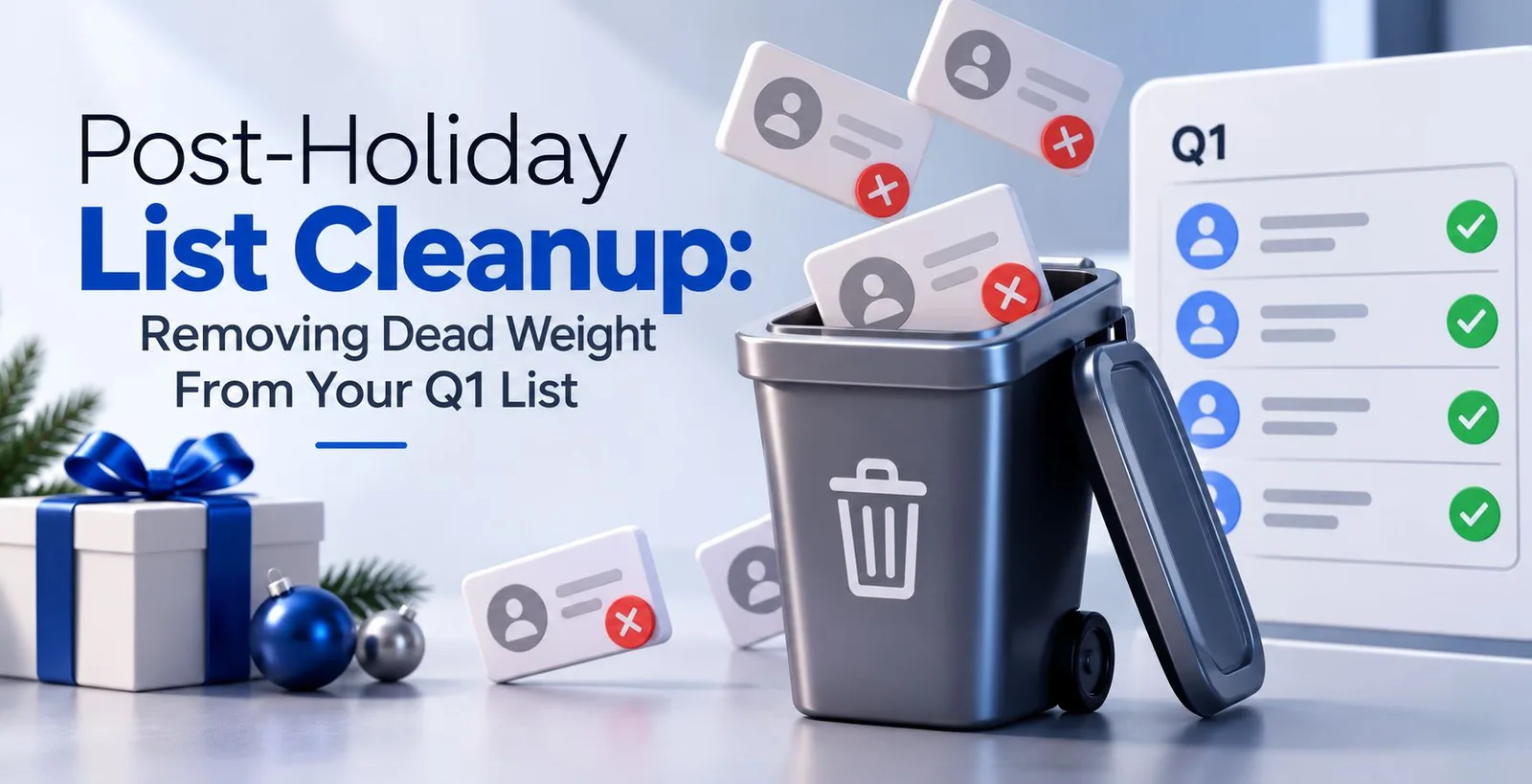
But a bigger list is not automatically a better list. A good chunk of those November and December sign-ups were people chasing a coupon, not people who wanted to hear from your brand every week. Some of them typed a fake email just to unlock the discount code faster. This is the part nobody talks about while celebrating the "record number of new subscribers" — a good portion of that growth is dead weight, and it's about to sit in your list right through Q1.
If you're new to the term, Q1 simply means the first quarter of the year — January, February, and March. For most businesses, this is when the real campaign push begins: New Year offers, fresh product launches, renewed sales targets. Which is exactly why sending your first big campaign of the year to an unclean list is such a costly mistake.
What "dead weight" actually means in an email list
Dead weight isn't a technical term, but it's a useful way to describe every contact sitting in your list that does nothing for you and actively works against you. This usually falls into a few buckets:
- People who never open your emails. Not once, not even during a festive sale. They signed up, got what they wanted, and moved on.
- Fake or mistyped addresses. Someone typed "gmial.com" instead of "gmail.com" while rushing through a checkout form, and nobody caught it.
- Temporary or disposable email addresses. Websites like these let people generate a throwaway inbox just to grab a discount code, then it expires. You now have an address that will never open anything, ever.
- Old addresses that got shut down. A person left their job, and their work email — the one they used to sign up for your newsletter last year — no longer exists.
None of these people are going to buy from you. But they still count as "one email" every time you hit send, which costs money, hurts your open rate calculation, and — more seriously — damages how mailbox providers see you. More on that in a bit.
Why the holiday period makes list quality worse than usual
Regular sign-ups, the ones that happen through the year, tend to be more genuine. Someone visits your website, reads a blog post, and decides to subscribe. That's a person who actually showed interest.
Holiday sign-ups work differently. A shopper wants a discount right now, on this specific purchase, and giving an email address is the fastest way to get it. There's no real intent to become a long-term subscriber. This is also when you'll collect more role-based addresses — inboxes like [email protected] or [email protected] that belong to a department, not a person, and often aren't even monitored for marketing mail. And this is the season where catch-all domains show up more often too — a catch-all is a mail server configured to accept mail sent to any address at that domain, even ones that don't technically exist, which means the address might bounce later, or might just sit unread forever.
None of this makes holiday sign-ups worthless. It just means the list needs a proper look before you build your Q1 plans on top of it.
Why this actually matters — not just for numbers, but for delivery
Here's the part that decides whether your Q1 campaigns land in the inbox or the spam folder: mailbox providers like Gmail and Outlook track how people respond to your emails. If a large number of your emails bounce, go unopened or get marked as spam your sender reputation suffers. Think of sender reputation, as a kind of trust score. Gmail or Outlook uses your recent sending history to decide if your sending address is trustworthy. If your emails are ignored or flagged your reputation drops fast. The better your engagement, the better your chances of landing in the inbox.
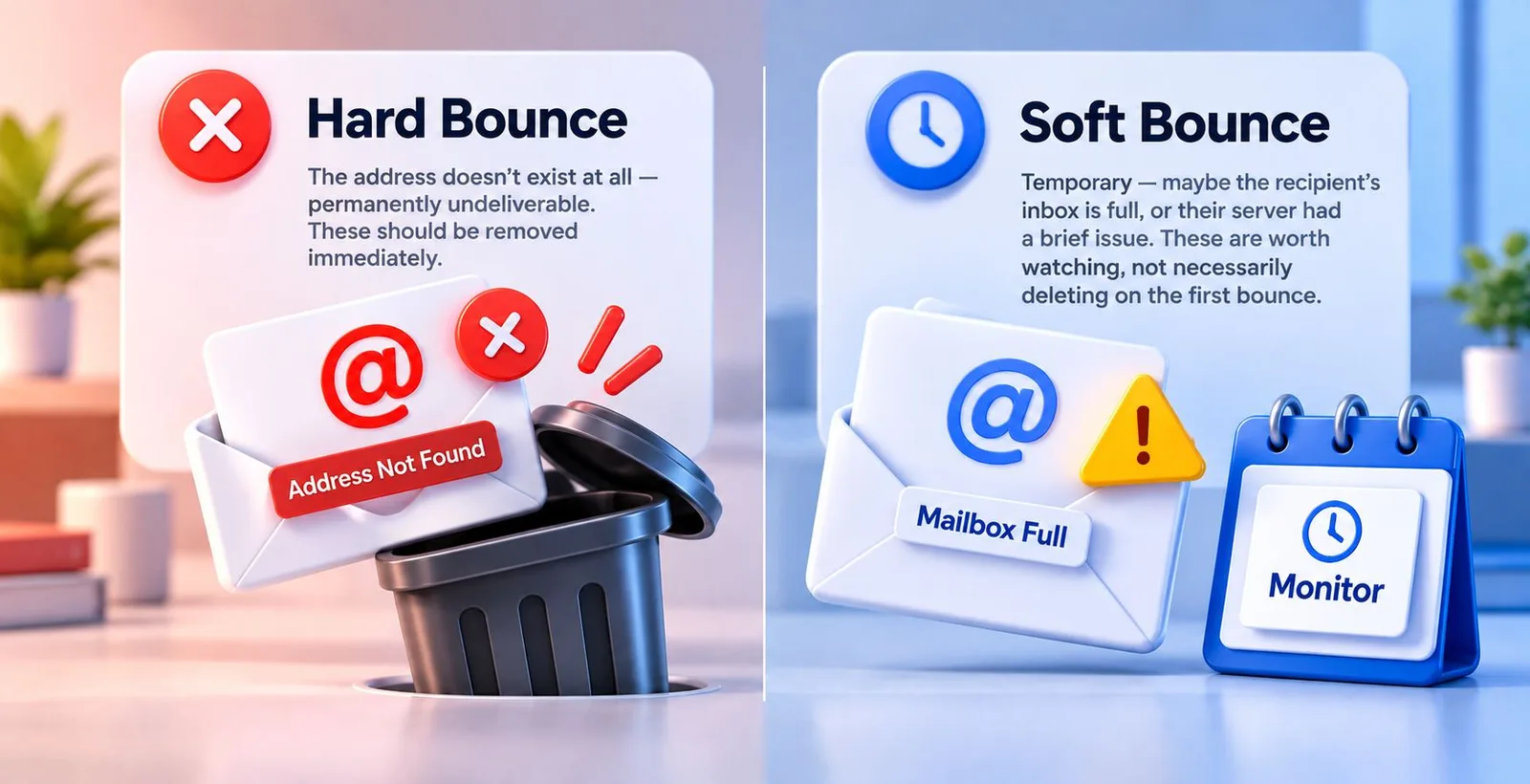
A bounce happens when an email can't be delivered. There are two kinds worth knowing:
- A hard bounce means the address doesn't exist at all — permanently undeliverable. These should be removed immediately.
- A soft bounce is temporary — maybe the recipient's inbox is full, or their server had a brief issue. These are worth watching, not necessarily deleting on the first bounce.
The risk with a holiday-swollen list is that all these unengaged, fake, and dead addresses sit together, and when you send your first Q1 campaign, the bounce rate and low open rate get read by mailbox providers as a signal that you might be sending mail nobody wants. That's when even your genuinely interested subscribers start missing your emails, because your whole domain gets treated with more suspicion.
How to actually find the dead weight
You don't need to guess which contacts are the problem. There's a fairly clear process:
1. Run the list through an email verification check. Verification checks every address, through steps making sure the format is right, looking to see if the domain can actually accept email and then doing a check with the mail server to find out if that particular mailbox exists, without sending any email. This step by itself finds spelling mistakes, old domains and temporary addresses before they ever get to a campaign. Pingovo's verification tool does these checks on addresses or a whole CSV file and marks each contact as safe, risky or not valid so you understand what you are working with before you send anything.
2. Separate "invalid" from "just quiet." Invalid addresses — the ones that don't exist — should go. But a subscriber who simply hasn't opened anything in three or four months isn't dead weight in the same way. They're just inactive for now.
3. Look at engagement history, not just verification results. Pull up your open and click data from the last two or three campaigns. Anyone who hasn't opened a single email in that stretch belongs in a separate, smaller list — not deleted outright, at least not yet.
Should you delete inactive subscribers right away, or try to win them back?
Before removing quiet subscribers permanently, it's worth one honest attempt to re-engage them. A short, simple email works better than a long one here — something like "still want to hear from us?" with a clear option to confirm interest or unsubscribe. Give it one or two tries across a couple of weeks.
Anyone who opens or clicks goes back into your active list. Anyone who doesn't respond after that — remove them. Keeping addresses that never engage doesn't protect your subscriber count in any meaningful way; it just keeps dragging your open rate down every single time you send.
After the cleanup, don't rush the first big send
Here is something that many people overlook: when you have cleaned a list properly you still need a careful restart. If your sending volume fell during the holidays or if you removed a part of your list at once your next campaign will look to mailbox providers like a sudden change in behaviour. Mailbox providers and spam filters are designed to spot those changes.
This is where email warmup becomes relevant again, and it's worth explaining simply if you haven't used it before. Warmup is the practice of gradually increasing how much mail an account sends, instead of jumping straight to full volume. A mailbox that suddenly sends out thousands of emails with no recent pattern to justify, is treated with suspicion—even if the email list is perfectly clean. Pingovo’s warmup feature takes care of this automatically. It gradually increases your sending volume over time. Keep track of your account’s health score moving it from cold to fully warmed. This way your first real Q1 campaign doesn’t undo all the cleanup work you just finished.
A short Q1 checklist before you hit send

- Remove every hard-bounced address from your last campaign cycle
- Run the full list through verification, especially anything collected between November and January
- Separate genuinely inactive subscribers and send one re-engagement attempt
- Check for role-based and disposable addresses picked up during festive sign-up forms
- If your sending pattern changed over the holidays, ease back into full volume rather than sending at full strength immediately
- Only then plan your first big Q1 campaign
Common questions about post-holiday list cleanup
What counts as a good bounce rate for email campaigns?
Generally, anything under 2% is considered healthy. Once bounce rates cross 5%, mailbox providers start treating the sender with more caution, which affects inbox placement even for your genuine subscribers.
How often should a list actually be cleaned?
A light check every month is reasonable if you're sending regularly. A deeper cleanup — like the one described here — makes sense after any period of unusual sign-up activity, holidays being the biggest example.
Does verification catch every bad address?
It catches the ones that can be technically confirmed — wrong formats, dead domains, disposable inboxes, and addresses that don't exist. It won't tell you whether someone is genuinely interested in your content; that part still needs engagement data from actual sends.
Is warmup only needed for brand-new email accounts?
No. Warmup matters most for new accounts, but it's also useful anytime an established account's sending pattern changes noticeably — including after a slow holiday period followed by a sudden large campaign.
Wrapping up
A list that grew over the holidays isn't a problem by itself. The problem is sending it without checking what's actually in there. A few hours spent verifying addresses, separating the genuinely inactive from the truly dead, and warming your account back up properly can be the difference between a Q1 that starts strong and one that starts in the spam folder. Pingovo brings verification, warmup, and campaign sending into one account, so the cleanup and the send don't have to happen in two different tools with two different logins.