There are more issues that arise from using a marketing email account than most people realize. Last February, a friend of mine, who owns a small skincare company, contacted me in a panic. Her open rates had plummeted, almost overnight. She hadn't changed her ESP or purchased a new list; everything was the same as it had been the previous month, when her campaign had been performing well. The Klaviyo dashboard didn't show any issues, and her subject lines were identical to the ones she had been using previously. Overall, half of her list didn't receive her emails.
This scenario is the reason I'm writing this note. Similar situations occur because the email service providers updated their guidelines, and now, they strictly enforce them. Gmail and Yahoo no longer notify senders about potential issues. Instead, they permanently block emails that violate any recommendations.
The rules didn't change this year. The patience did.
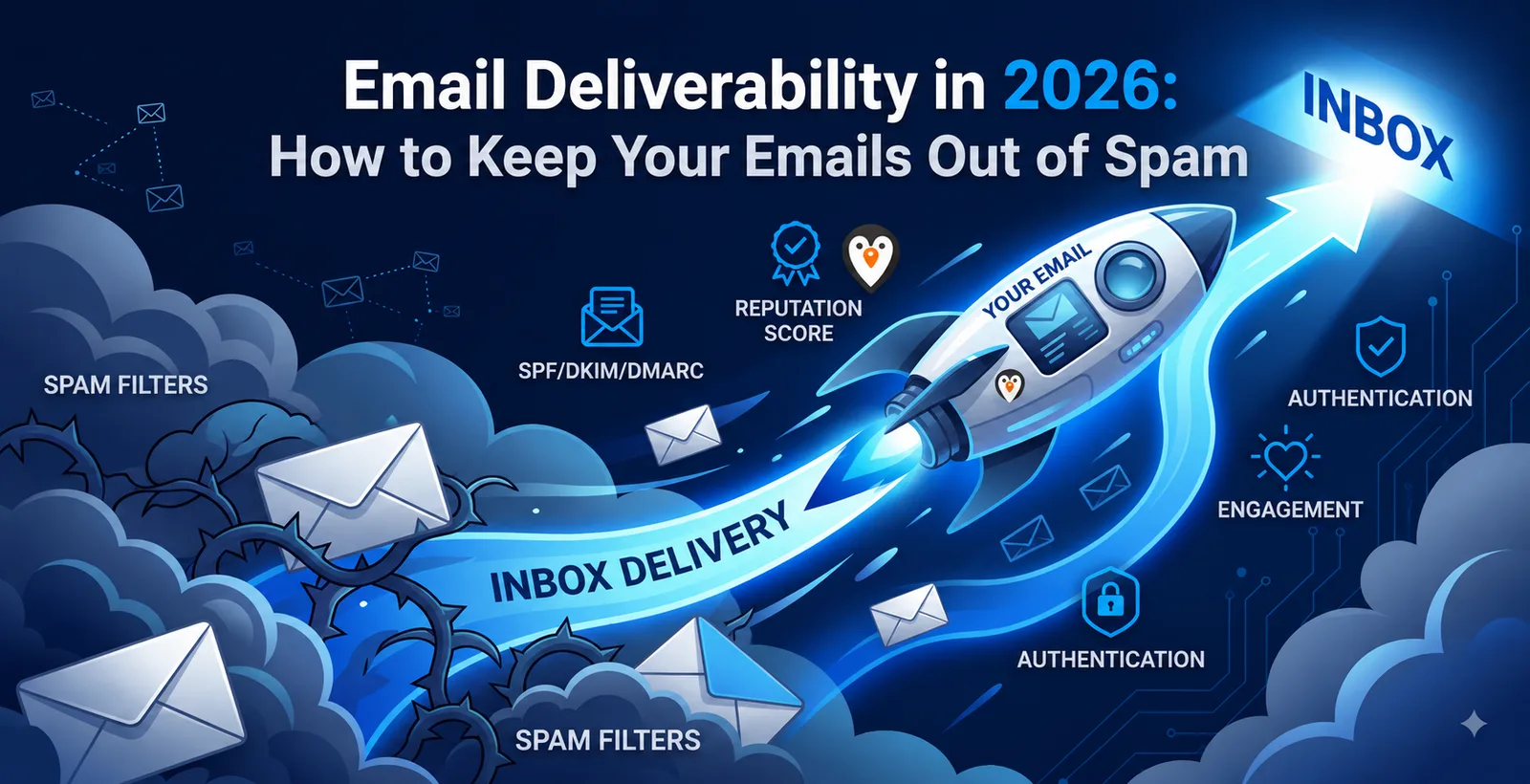
In February 2024, Google and Yahoo announced their authentication requirements. Most senders updated their SPF and DKIM records and added a DMARC record to complete the authentication set. For the last year and a half, mailbox providers have been lenient with non-compliant messages, only flagging them as deferred or bouncing them back with an explanation. This leniency has come to an end in November 2025, and Gmail started rejecting emails that failed to meet the specifications. Microsoft has taken similar measures several months earlier, in May 2025, but only for Outlook and Hotmail accounts.
As a result, most senders who had correct records a year ago may have invalid configurations today because mailbox providers have stopped giving extra chances to those with authentication issues.
I see this problem frequently because there are three common reasons why SPF, DKIM, or DMARC records break. First, when a marketer sets up a new ESP account, they often authenticate their domain and do not update the records after adding new tools that require SPF alignment. Each new application (helpdesk, CRM, referral program) requests to be added to the sender's SPF record, but the record itself rarely gets updated. The most common issue occurs when the number of lookups exceeds the maximum allowed by the protocol, but the SPF record itself does not fail because it still works correctly most of the time. As such, the DKIM signature or DMARC alignment eventually fails, but it may take weeks or months to notice.
The number that actually decides your fate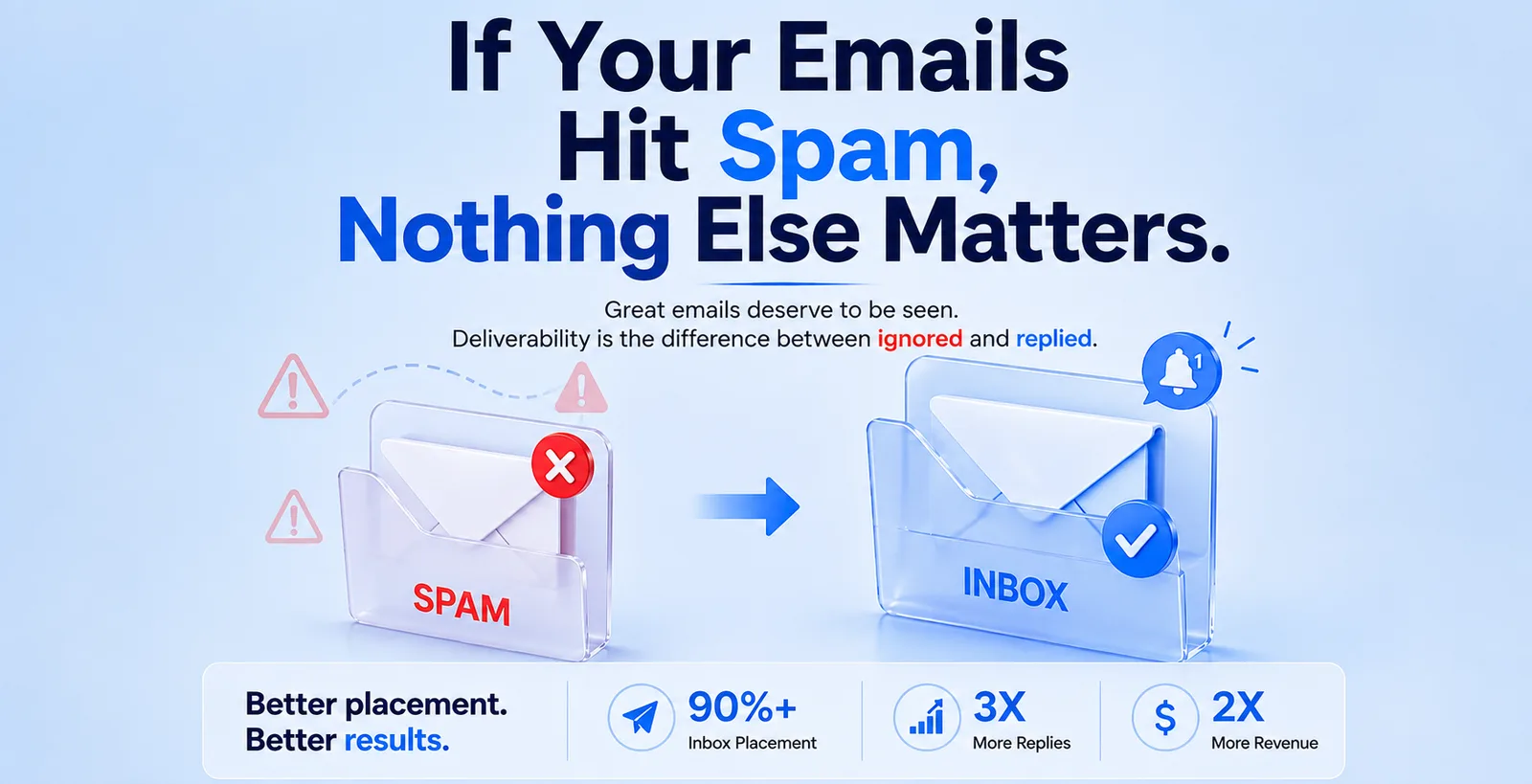
If I had to recommend one metric to everyone who asks for help, it would be the spam complaint rate. In particular, I suggest checking the "Reported spam" metric in Google Postmaster, and, for Yahoo users, the equivalent section in Yahoo's postmaster tool. The safe threshold for reported spam is below 0.1%, while the absolute maximum for bulk senders is 0.3%. To put it another way, every one-in-a-thousand recipient pressing the spam button results in your emails being sent to the spam folder, regardless of any technical qualifications.
To understand the importance of this metric, imagine a situation where your marketer sends one thousand emails per day, and one recipient marks it as spam. In this case, your reported spam rate would be between 0.1%, which is already at the border of acceptability for Google. The same goes for Yahoo and Outlook but with a 0.3% threshold. At first glance, this metric may appear unimpressive, and most marketers ignore it, assuming that any complaints are an unavoidable part of doing business. In reality, however, the reported spam rate directly affects whether or not an email reaches the inbox, making it one of the most important metrics in email marketing.
What was actually broken in her setup
In my friend's case, we found three issues with her DNS configuration. First, while she had SPF and DKIM records, they were not aligned with the DMARC record, and her From address used a subdomain. As a result, all of her DKIM records failed, and her DMARC policy was set to none, which provided no level of protection and allowed Gmail to take action against her domain. The three things we did to resolve this issue were as follows:
- We adjusted the SPF record so that it complied with the DNS lookup limits
- We updated the DMARC record to quarantine after a two-week trial period.
- We created a subdomain so that her marketing emails were delivered separately from customer-facing emails.
This way, if one of her transactional message templates got flagged as spam, it would only damage her subdomain, not the main brand domain.
We fixed these issues, and everything went back to normal within three weeks. Her open rates gradually returned to the previous levels, but no one could explain precisely why, since no changes to the content or sending times had occurred.
A few things people get wrong that aren't on most checklists
While most marketers understand the importance of SPF, DKIM, and DMARC alignment, there are several other standards that play a critical role in email deliverability and are frequently overlooked. First of all, you should implement a one-click unsubscribe link in your messages, as Gmail and Yahoo now require RFC 8058-compliant headers.
Essentially, a user who cannot remove you from their mailing list with a single click has the option to report your email as spam instead. Every click, whether the user intended to unsubscribe or not, counts toward your spam report rate, so it's better to make the process seamless and predictable. This way, a disgruntled user who cannot be removed from your mailing list is more likely to click the unsubscribe button than report your email.
Next, make sure that you are using encrypted connections (TLS) when transmitting your messages, as Google requires them by default. If your mailbox provider supports it, you should be able to enable this option automatically, without configuring anything manually. Another feature to keep an eye on is BIMI, which allows your logo to appear next to the subject line in Gmail. While it may seem like an unnecessary novelty at first, it's essential to enable BIMI as soon as possible because it requires a verified certificate.
As a general rule, all recipients are more likely to engage with branded senders than with standard white-label domains. That is why you should use a sender with a recognized brand whenever possible, as it has a positive impact on both deliverability and engagement rates.
Quick reference: what to check this week
The honest takeaway
It should be apparent by now that you can dramatically improve your open rates simply by authenticating your senders, monitoring your spam complaints, and ensuring that your unsubscribe links are operating correctly. Unfortunately, most of these updates are boring, and many marketers try to find alternative ways to improve their performance by tweaking their content or subject lines.
However, as we have seen in the case of my friend, these methods often fail to resolve the underlying issues. The root causes of poor deliverability are always related to the senders themselves, and not the content of the messages, which is why it can be helpful to review the information we've gone over above. In particular, if your email open rates are suddenly lower than usual, double-check your Postmaster Tools to ensure nothing obvious is wrong with your authentication records. Overall, the most critical recommendations can be summarized in a single sentence: in 2026, most aspects of email marketing revolve around the sender's domain, not the message itself.