If you're a freelancer or a consultant, chances are somebody told you at some point to "grow your email list." So you collected email addresses from every workshop, every LinkedIn connection, every client enquiry form you ever ran. Two years later, you have 4,000 subscribers and an open rate that makes you wince.
This happens to almost everyone who freelances or consults for a living. The advice to build a big list isn't wrong exactly, it's just incomplete. What actually pays your bills is not the number of people on your list, it's how many of them read what you send and act on it.
Let's go through this properly – from what these terms mean, to what you can actually do about it this month.
What "freelancer," "consultant," and "lean list" actually mean here
A freelancer, for this blog, is anyone who works project to project for different clients – designers, writers, developers, photographers, virtual assistants, and so on. A consultant is usually someone who advises businesses on a specific area, like finance, HR, marketing, or operations, often for a fee per engagement or a retainer.
Both groups have one thing in common: their email list is not for millions of anonymous shoppers. It's a small, specific group of people who might hire them, refer them, or buy something they've built – a course, a template, a service package.
A "lean" list, in this context, just means a list trimmed down to people who are actually paying attention. Small because the dead weight has been removed, not small for its own sake. "High-converting" simply means a good share of the people who open your email go on to do something – reply, click a link, book a call, or buy.
Why a bigger list usually works against you
Here's something most people don't realise until it happens to them: email providers like Gmail and Outlook don't just look at what you send, they watch who is opening it. If you send to 4,000 people and only 200 open the email, Gmail reads that as a sign that people don't want your mail. Your next email, even the one that 500 people would have genuinely loved, then has a lower chance of even reaching the inbox.
This is called sender reputation, tracked at the level of your email address and domain. A freelancer sending from a personal Gmail address or a consultant sending from their firm's domain is affected the same way a big company is – except a big company can absorb a bad sending day. A solo freelancer usually can't, because every email might be carrying an invoice reminder or a proposal follow-up.
A list full of people who signed up two years ago, changed jobs, or never really cared in the first place isn't a neutral thing sitting there. It actively works against the emails you do want delivered.
Building the list correctly from day one
If you're just starting out, this part is easier than fixing an old list. Collect addresses only from people who clearly said yes – a form on your website, a lead magnet like a free checklist related to your work, or a direct request after a good client call.
Skip the habit of adding every business card from a networking event into your sender tool. Those people gave you a card so you'd remember them, not to receive emails. If you already have an old list built this way, you don't need to start over. You need to clean it.
Why email verification matters even for a list of 500
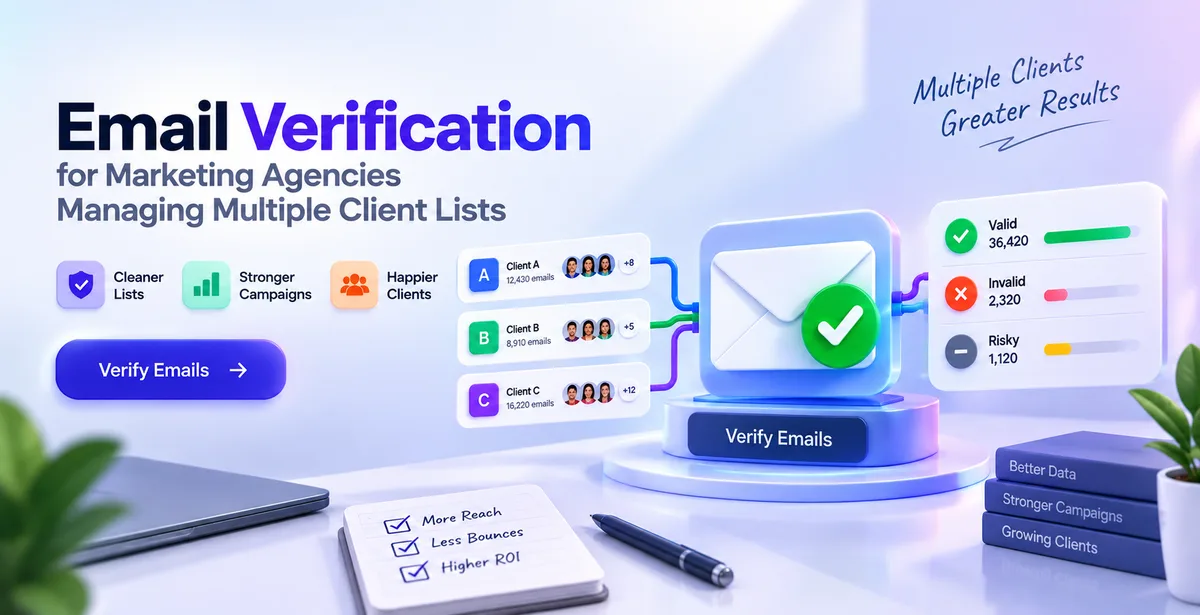
Email verification is the process of checking whether an email address actually exists and can receive mail, before you send anything to it. It sounds basic, but a surprising number of addresses on any list a year or two old are dead – the person changed companies, the domain expired, or it was a typo that slipped through your signup form.
Sending to a dead address causes what's called a bounce. A few bounces are normal. A pattern of bounces tells Gmail or Outlook that you're not checking your list, which drags down deliverability for every subscriber on it, including the ones who are genuinely interested.
This is one reason why Pingovo’s verification tool checks each address at multiple levels: it confirms that the format is correct, checks whether the domain can actually receive mail, and then checks whether that specific mailbox exists, without actually sending them anything. It will also flag role-based addresses like info@ or support@, which belong to a department rather than a person, as well as disposable addresses that people use just to get past a signup form. For a freelancer with a smaller list, this would take minutes once every few months and usually removes more names than you’d expect.
Warmup – a step most solo professionals skip
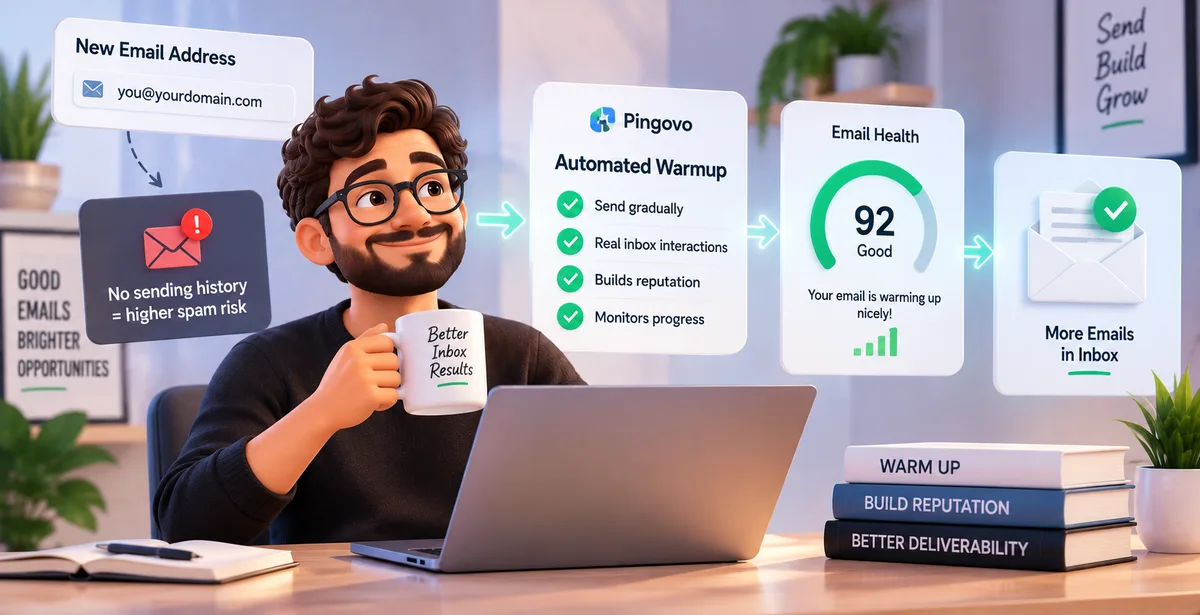
If you've recently switched to a new email address or domain for your business, there's a step worth knowing about called warmup.
New email accounts have no sending history, and to inbox providers, no history looks a lot like a spammer's brand-new throwaway account. Send 300 emails on day one from a fresh domain, and a good chunk can land in spam even if your content is genuinely useful.
Warmup fixes this by slowly increasing how much you send over a couple of weeks, while the account interacts with real inboxes that open and reply to it. Pingovo's warmup feature automates this using a network of real mailboxes and shows a health score, so you can watch your account move from cold to warm before pointing a real campaign at it. This matters more for freelancers and consultants than people think, because most of us set up a professional email address only once, and the first two weeks after that decide a lot about how the next two years go.
Segmenting a small list still helps
Segmentation is simply dividing your list into segments. It can be based on who has been clients versus who downloaded a guide but didn't buy, people interested in one service versus another, and so on. It's not just for those with thousands of contacts, it can help those with just 300 too.
A consultant with two service lines should not send the same email to someone who has only ever asked about one of them. In most cases, writing two shorter (but more targeted) emails than a single, general one would convert better (though it will obviously take longer).
Cleaning the list on a schedule, not just once
A list doesn’t stay clean after one round of verification. People change jobs, they stop checking a old inbox, or just plain stop caring after half a year. It's a reasonable practice to check who hasn't opened up anything from you in 4-6M and send them a single re-engagement email asking if they still want to hear from you or not.
If they don't open that either, it's fine to remove them. This isn't about being harsh with your list; it's about recognising that unengaged names don't help you, and actively hurt how the rest of your emails get delivered.
Writing emails that the remaining list actually acts on
Once a list is cleaned, the writing itself is more important than any template or tool. A freelancer or a consultant has an advantage over large corporations in this area: The emails can really sound like a conversation with one person and can reflect a personal tone.
Write like you're telling one specific past client something useful, not like you're addressing subscribers as a group. Keep the ask in each email to one thing – reply to this, book a call, read this case study – rather than three links competing for attention. And keep sending on some kind of rhythm, even once a month, since inconsistent sending resets your reputation with inbox providers too.
Watching the numbers that actually matter
Subscriber count is the number people check first, but it tells you almost nothing on its own. The numbers worth watching are open rate (the share who open the email), click rate (the share who click something inside it), and bounce rate (the share that didn't deliver at all).
A list of 400 with 45% opens is doing more for your freelance business than a list of 4000 with 8%, despite the fact that the second one looks much stronger on a screenshot. Pingovo campaign reports show you the number of opens and clicks for each sent message; it becomes a metric you can evaluate after sending each e-mail, as opposed to a guesswork.
A simple monthly routine
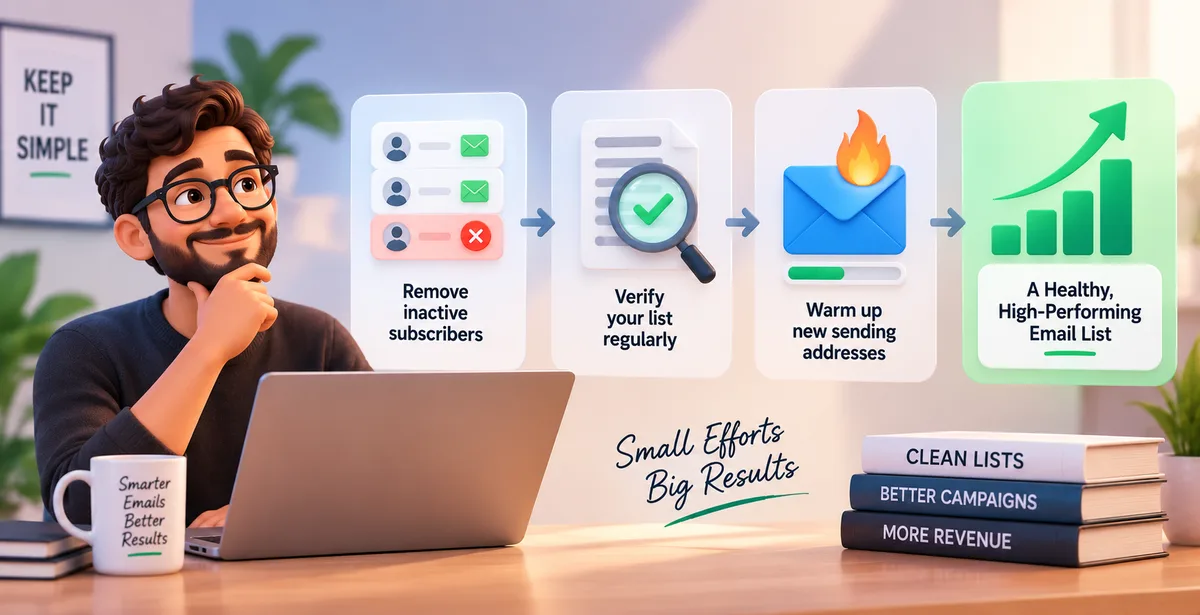
Most of this doesn't need to be complicated. Once a month, check who hasn't opened anything recently and consider removing them. Once every few months, run a verification check on the whole list, especially before a campaign that matters – a launch, a seasonal offer, a big announcement. If you've recently switched or set up a new sending address, put it through a warmup period before relying on it for anything important.
None of these steps take long individually. Together, they're the difference between an email list that quietly works for you and one that just sits there getting bigger while doing less.
A few quick questions people usually ask
How small can a list be and still work?
There's no fixed number. A consultant with 150 genuinely interested subscribers can get more real business from email than one with 5,000 who never open anything.
Do I need to verify my list if I only send to a few hundred people?
Yes, arguably more so. A smaller list means each bounce carries more weight in your overall sender reputation, since the total number of sends is lower.
Is warmup only for people starting completely from scratch?
No. It matters just as much if you switch domains, change email providers, or come back to sending after a long gap.
How often should I remove inactive subscribers?
Every four to six months works well for most freelancers and consultants – frequent enough to protect deliverability without cutting people who are simply slow to open emails.
If you are building your list from scratch or simply want to know why your open rates may not be as high as you'd like, Pingovo lets you check, warm up, and launch your campaigns all from a single platform, saving you the hassle of using four different tools for one list.