A few years ago, I set up three new sending domains for one of my clients' outbound teams and told them that they would need to wait roughly 3 weeks before sending to the real prospect list. No one wants to hear that. Sales leaders want their pipeline moving now, not in 3 weeks. However, the things that happened during those 3 weeks are exactly the argument I'm going to make for you here. Let me explain the background first and then talk about the actual results.
Warmup exists because a newly created sending address has no credibility with mailbox providers such as Gmail or Outlook. Whether done manually or through software the aim is the same; establish that the address is legitimate and sends and receives regular email before it is allowed to send significant volumes of email.
There is, however, some room for debate regarding the actual implementation of such a process (warmup).
Doing it by hand
For that client, I did it manually because the team only had two new domains and I wanted to have full control while we figured out their messaging. Practical, manual warmup, in real life, doesn't look very glamorous. I prepared a second small group of inboxes, five of them, most of which I have as Gmail accounts already laying around, and every morning I would send two or three emails from the new domain to these inboxes, after which I would go and reply from the other side, sometimes leaving the reply unread for a while, sometimes opening and marking it important, mimicking the kind of casual conversation as if these emails were a part of it. Fifteen, twenty minutes of my time a day. For about three weeks before the volume was close to what the client actually wanted to send.
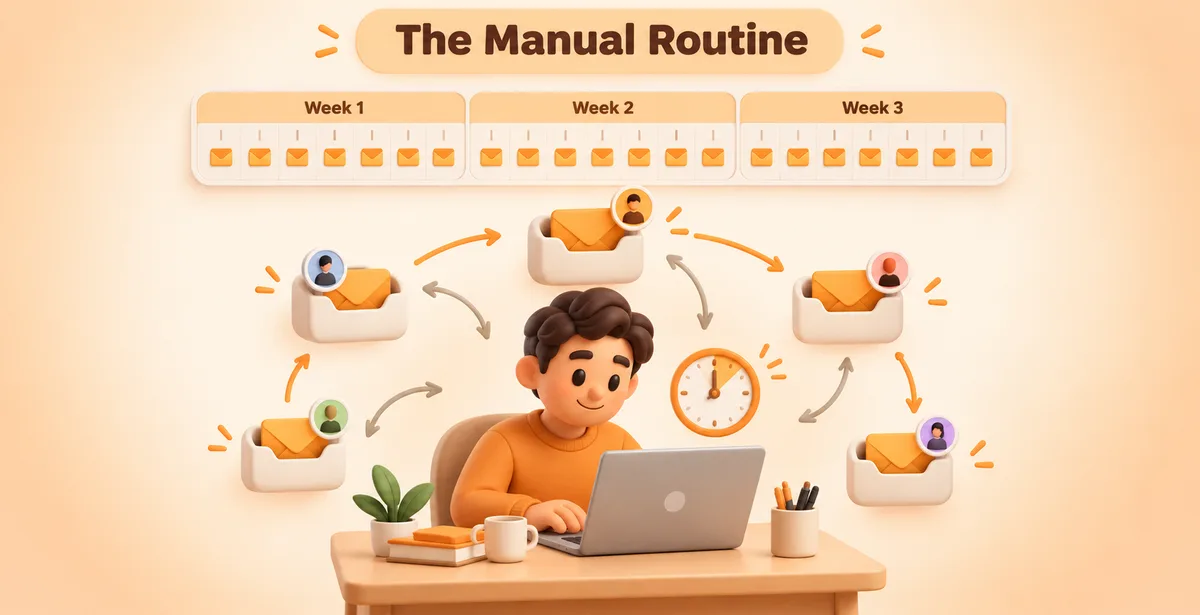
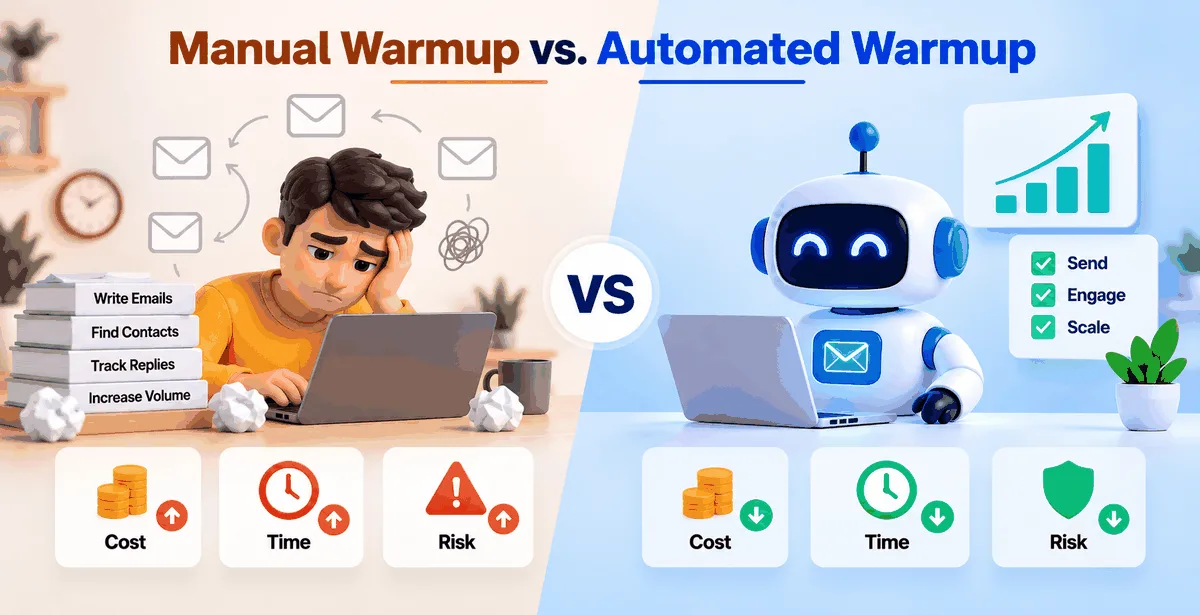
Twenty minutes sounds like nothing until you multiply it by 21 days, and another three times for three domains, since this kind of thing can't be batched. Each domain has its own cadence, its own response pattern, lest it seem formulaic and robotic, which is the whole point of doing it this way. That totals nearly a fiften-hour commitment for a single client's warmup phase, before you've even sent a single cold email to a paying prospect, all of which is just permission for you to open up. If you bill labor at even $40 an hour, that's $600 in that time for something that yielded no immediate pipeline, that's an hourly rate for zero labor.
And I made mistakes doing it manually. Forgot to send from one domain over the weekend, and blew a bunch of the progress we've made. I once replied to four emails within a minute because I was on my way to a meeting and just wanted to get them out of the way, which is not a natural pattern for inbox providers. Manual warmup gives you control, but you're also responsible for everything that goes wrong, and you will make mistakes, because you're human and have a life, not a carefully coded script running at 3AM.
Where automated tools change the math
The next client was an agency that had 11 domains that needed to be warmed up for several of their own clients. Since we wouldn’t be able to manually warm up 11 domains for that client (that would have taken close to 15+ hours of work for three domains, or 55+ hours for 11 domains, or almost 2 weeks of work), we decided to go with an automated warmup tool similar to Instantly or Mailreach. This tool connects an inbox to a network of other inboxes, and then sends automated email, opens email, and even replies to email within that inbox as if a human were doing it all.
The only time we put into the warmup was setting up the domains to the service, about 10 minutes per inbox to connect them and set up the daily sending ramp. All 11 of the client’s domains were sending in parallel, whereas we would have been sending the domains one at a time had we done the warmup manually. This meant that instead of taking over 2 weeks to do the warmup for the 11 domains, we completed the warmup in under 2 weeks. And in terms of cost, rather than paying for our time at $40 an hour or so, we paid a flat monthly fee per inbox for the service, about $15-$30 per inbox, so $200-$300 per month for 11 inboxes.
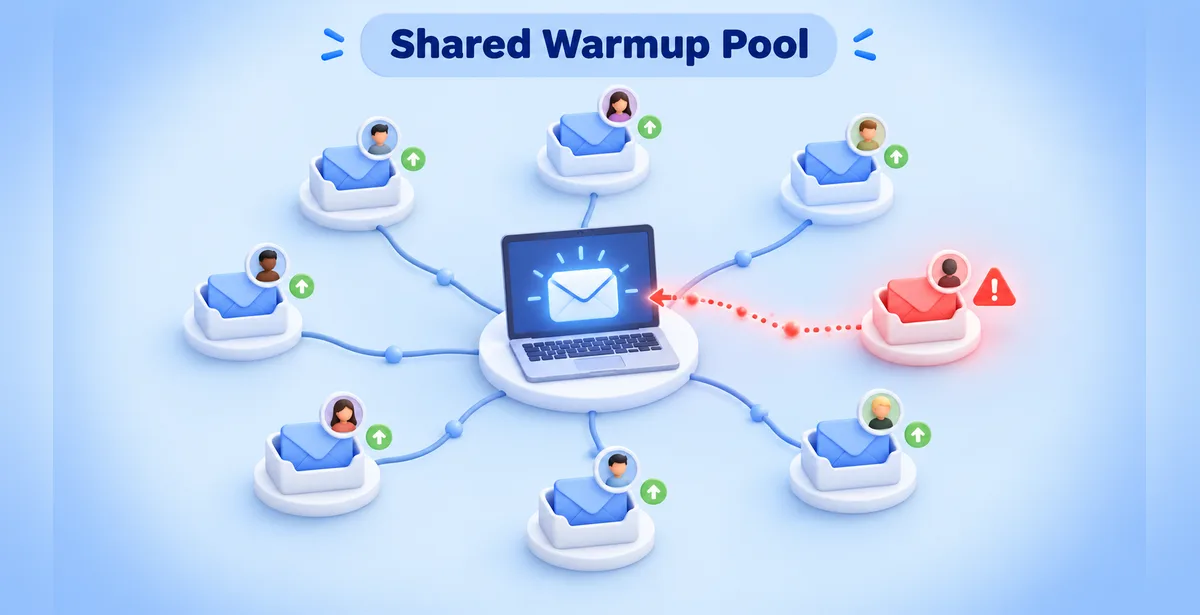
Automated does not mean risk free. In this batch of 11 domains, one of the domains got flagged for spam within the first 10 days. After digging into it, we found that the warmup network for the tool we were using had included an email address that had recently been reported as spam by another email account – completely unrelated to our client. When you’re using automated warmup, you are pooling your inbox with the inboxes of strangers. And you get to inherit their good or bad email reputation.
The risk difference is really about who's exposed to what
Manual warm-up has risk too, primarily in the form of human error and slow scale. But the risk can be totally mitigated with proper implementation and then is clean. It does not scale past about a handful of domains though and would eat up your time for weeks to come in. The risk is primarily in being inconsistent (even by accident) and it taking days to erode in terms of trust.
The type of risk exposure changes greatly, however, between automated tools and manual warmups. For one, automated tools allow for a greater volume of warmup traffic to be sent in a much shorter period of time, thus allowing for faster Inbox preparation. But the risk exposure then shifts to that of the tool itself. Are you working with a cheap automated warmup tool? If so, be wary as many such tools lack sophistication in the Subject Lines they use for the automated open and reply messages. Similarly, if the automated open and reply messages are opened and replied in too regular of an interval, this will begin to look suspicious to the mailbox provider’s algorithms and you will find yourself being sent to the Spam Folder in no time.
So long as you understand the risks of both manual and automated approaches, then the only thing that really matters is whether you are running your own mail server (in which case manual is safer) or whether you are renting a mail server (in which case the risk of the automated approach sits with the provider of the tool you're using).
Which one actually makes sense
If you’re only warming up one or two email accounts for a new domain and you have plenty of time, warming up mail manually for a few weeks is probably fine. You get a much better sense of the exact behavior of your specific domain, and you avoid the possibility of things going wrong with a third party’s inbox network.
I'd add that if you have more than 3-4 domains or you run an outbound team (for your clients or as part of your job), you’ll find that manual warmup up is actually a part-time job for you. That’s when the automated warmup tool finally makes sense (and costs roughly as much as you would pay for your time if you were to do it manually), if the tool is transparent enough to you about the way the inbox network is set up (i.e. you’re not just shown a number – a “warmup score” – without the team being able to explain what actually happens behind that number).
The number does look good on a piece of paper, but it’s easy to manipulate. What’s really important is the actual behavior behind the number and how that behavior is going to get interpreted by the inboxes of your prospects. So, I would advise everyone to ask these kinds of questions when shopping for a warmup tool, including Pingovo - i.e. how is the warmup traffic being generated and what number does it produce, not just the latter.