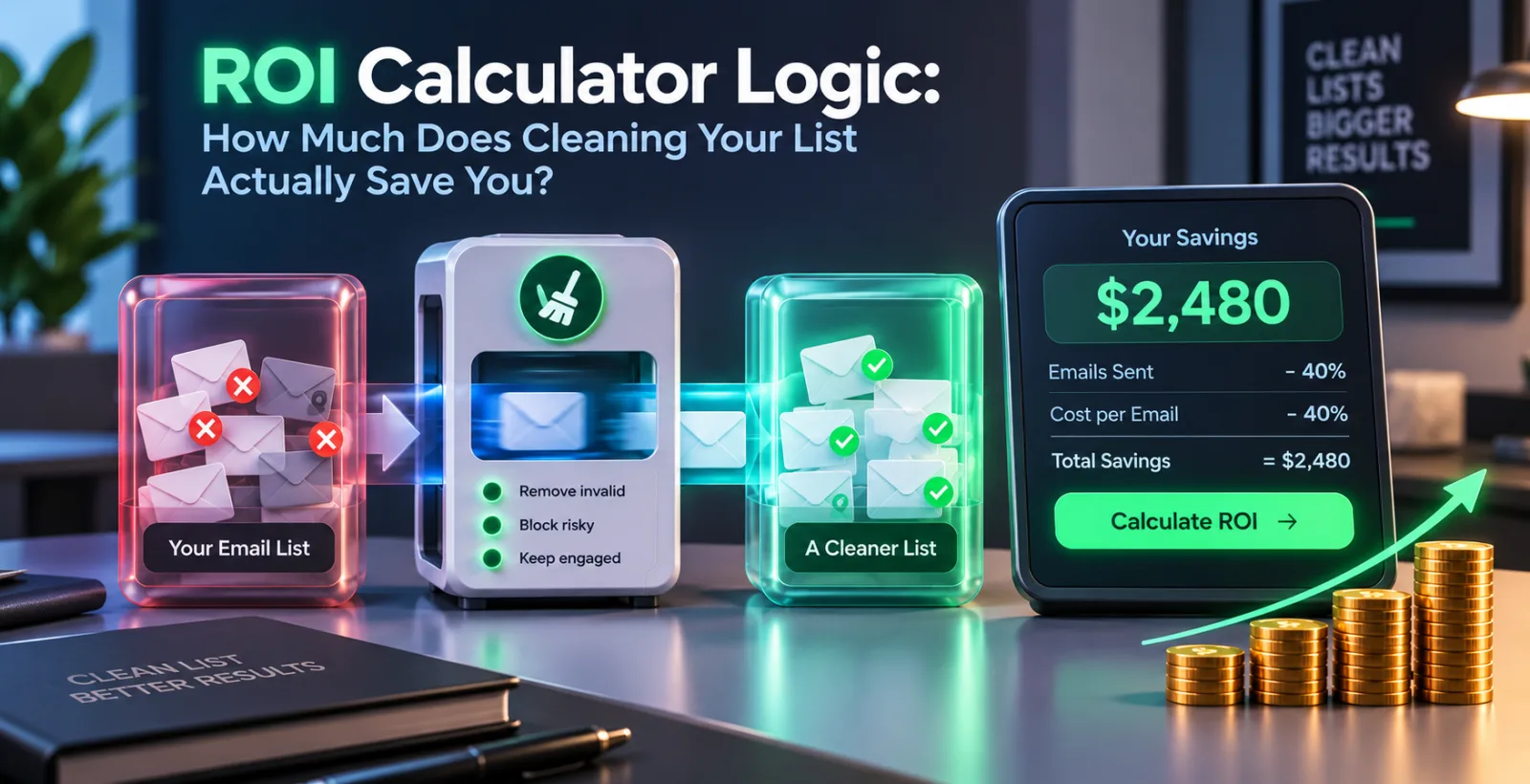
Most articles about email list cleaning open with a warning about spam folders. That's true, but it's not really why a business owner cares about it. The actual question is simpler: if you spend money cleaning your list, do you get more money back than you spent on it? That's what ROI means - Return on Investment. It's not a complicated term. It just means comparing what you put in against what you got out, usually shown as a percentage.
List cleaning, in plain words, means checking every address on your list and removing the ones that will bounce, get flagged as spam, or never open your mail in the first place. Before getting into the calculator part, it helps to know what actually makes an address "bad," because that's what decides how much cleaning saves you.
What actually makes an email address "bad"
An invalid address is simply an address that is no longer valid; the owner may have changed their job, deleted the account, or you may have made a typo when entering. A disposable address refers to a temporary email address, which is often used to sign up for a service by users who will never return. Role-based addresses include informational and support emails such as info@ or support@ for a company, which are used to forward emails to a specific person and often filtered by the company’s spam filter. A catch-all domain is used to accept all types of messages, including those with invalid or non-existent addresses; thus, checking a catch-all domain is not sufficient to verify the validity of an email address.
None of these addresses will ever open your newsletter or buy anything from you. Some of them will actively work against you when you send them to them. That difference - actively harmful versus simply useless - is where the real cost of a dirty list comes from.
Why a dirty list costs more than the obvious wasted send
The direct cost is easy to see. If you're paying per email sent and 4,000 out of 40,000 addresses are dead, you paid to mail 4,000 people who were never going to open anything. That part is small compared to what happens next.
The bigger cost is the sender reputation. Inbox providers like Gmail, Outlook, and Yahoo keep watch on how people react to your mail. If a large share bounces, gets marked as spam, or is simply never opened, the provider starts quietly routing your future emails to the spam folder instead of the inbox — even the ones going to real, interested people. This doesn't happen after one bad send. It builds up over time, and once it happens it's slow to reverse. This is why warmup tools are there in the first place: to slowly reestablish this trust, address by address, week by week.
So a dirty list doesn't just waste the cost of one campaign. It quietly lowers how many of your genuinely interested contacts see your next five or ten campaigns. A simple bounce report at the end of a send never shows you that part.
The ROI calculator logic, explained plainly
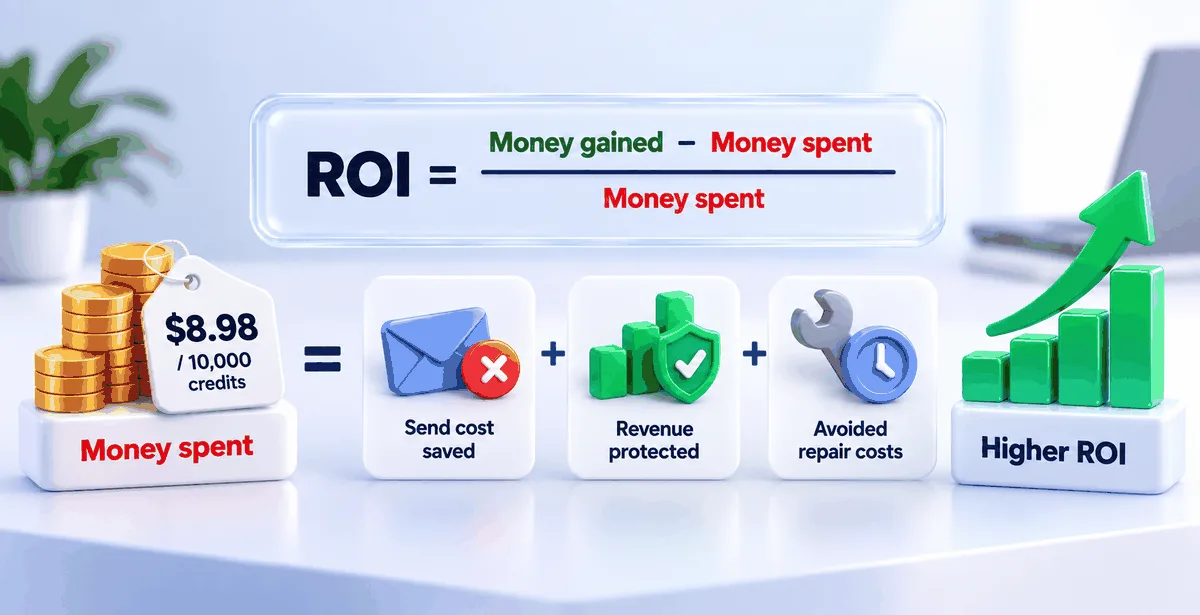
The basic ROI formula, applied to almost anything, reads like this:
ROI = (Money gained − Money spent) ÷ Money spent
For list cleaning, "money spent" is the cost of verifying your list. On Pingovo, for example, 10,000 verification credits cost $8.98, and credits don't expire, so you only pay for what you actually check.
"Money gained" is not an easily defined metric, as it comprises three different factors summed up together. The first is the send cost saved due to eliminating the need to mail addresses that will simply reply to your dead letter or otherwise unreachable. Second is the amount of revenue protected, as the real contacts on your list that should be receiving your mails continue to do so, uninterrupted by the damage to your sender score. And finally, the avoided expenditure on repair: the work needed to bring the reputation back up, usually involved in a slow warmup process, which would take a lot more time than an afternoon spent on a list cleaning service.
While most people tend to only account for the first figure, these expenses are frequently not taken into consideration during a list cleaning, making the endeavor seem pointless.
Running the numbers on a real-sized list
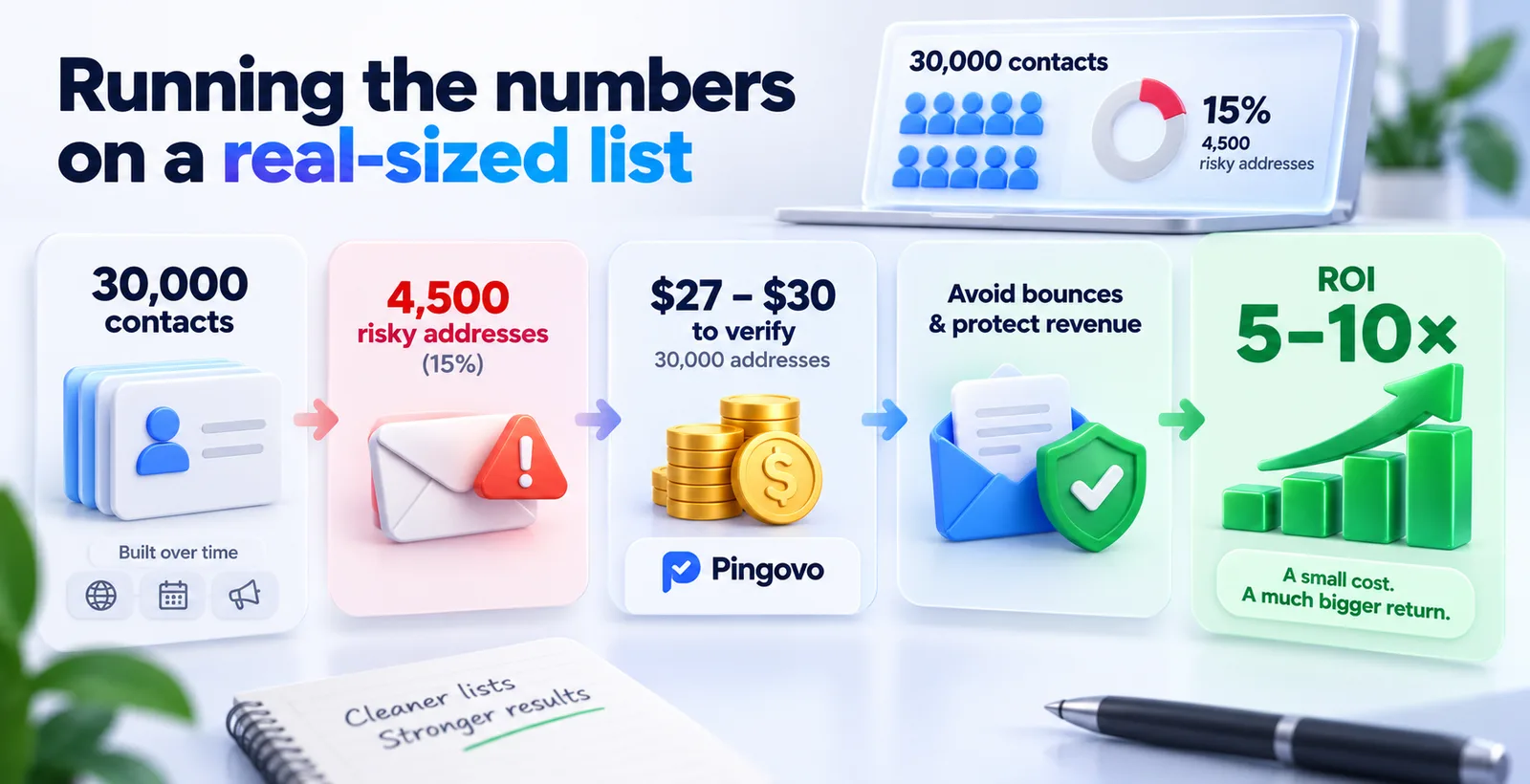
Suppose that we have a mid-size list of 30 000 contacts. This list was built during two or three years by collecting data from a website form, a few events, and old campaigns. Such lists usually contain 10 to 20 percent of bad or risky addresses due to natural decay. Let’s take 15 percent, which is 4500 addresses.
Verifying 30,000 addresses on Pingovo, using the standard credit pricing, comes to roughly $27 to $30 depending on how the credits are purchased. That's the entire cost side of the calculation.
Now the savings side. If those 4,500 addresses had not been checked, a big piece of them, mainly the invalid ones, would have bounced. A bounce rate above 5% is generally enough to get a sending account flagged or throttled by mailbox providers. If that flag drops inbox placement for the entire list by even 10 to 15 percentage points across the next few campaigns (and each campaign was meant to generate real revenue from the remaining 25,500 genuine contacts), the amount of lost revenue from the drop in inbox placement alone usually reaches hundreds of dollars for a single send, and often more for a weekly business.
Weigh $30 spent on verification against even a conservative few hundred dollars protected in revenue and reputation, and the ROI isn't a small percentage. It is usually several times the amount spent, sometimes ten times or more, depending on the value of the list to the business sending it.
Where the savings hide, once you look closer
A few things don't come up when you do a simple before-and-after bounce comparison, but are just as important.
The damage is compounded. One domain flagged is enough to ruin a campaign, but also every subsequent campaign will suffer from the same issues until they fix the problems. That rebuilding, through gradual warmup, takes real time, and time spent warming up is time not spent sending campaigns at full volume. That's a genuine, if indirect, cost most people never add to the spreadsheet.
There's also a risk worth mentioning on the other side: being too aggressive about cleaning. If a verification tool marks genuinely good addresses as risky just to be cautious, real contacts get removed along with the bad ones, and that's its own kind of loss. This is why the quality of the check matters, not just the fact that a check happened at all. A thorough check confirms that a mail server actually has a mailbox for the address by establishing a connection with the server, instead of just analyzing the address.
How this fits into an actual workflow
None of this needs to be complicated to put into practice. Upload your list as a CSV or Excel file, let it syntax check, run a domain analysis and a direct mailbox check, and download only the safe addresses. On Pingovo, bulk email verification is all about processing large volumes of email addresses, which is why we've built a powerful verification pipeline to process up to 100,000 emails an hour, so a list of tens of thousands will be verified in the span of an afternoon.
Once the list is clean, the same account can be used to warm up the sending mailbox gradually before the first real campaign goes out, and then to run the campaign itself with open and click tracking. That keeps the entire cycle, from a messy list to a delivered campaign, contained within a single place rather than three separate tools with three separate bills.
Common questions people ask before cleaning a list
Is it worth cleaning a small list, say under 2,000 contacts?
Yes, but the saved amount would be smaller for a rupee or dollar. Reputation risk is the same for any size list. A tiny list with a large bounce rate will harm a sending domain's reputation just as much as a large list would.
How often should a list be checked?
Lists decay on their own, roughly 2% to 3% a month, as people change jobs, switch email providers, or close old accounts. Checking before every main campaign, or at least once every four months for a list that's actively growing, keeps that decay from quietly building up.
Does cleaning the list guarantee better open rates?
It removes the addresses that were never going to open anything and protects your standing with the contacts who will. It doesn't change if someone will or will not find your subject line attractive enough to open - that part still depends on your content.
What's a good bounce rate to aim for after cleaning?
Less than 1% is good by most mailbox providers standards. Anywhere over 2 or 3% would suggest the list requires further cleaning, or that your new signups are coming from an unreliable source that's causing the bounces.
List cleaning isn't really an expense on its own. It's more of an insurance for however much your list is worth to you already - and when you lay out the costs, they're usually far less than the cost of skipping it.