A few years back, I sent a cold outreach batch for a small SaaS founder, and one of the replies that closed the deal came from procurement@ their company domain. Not a name. Not a title. Just procurement@, answered by whoever happened to be checking that inbox that week.
Two weeks later, on a completely different project, a send to a list full of addresses like billing@, admin@, and procurement@ got the sending domain flagged by Google. Same category of address. Two opposite outcomes.
The honest (and slightly grumpy) truth about role-based emails is that there's no hard-and-fast rule. Anybody telling you to always exclude or always include them is being deliberately misleading about the factors actually affecting your email delivery success: namely, what you're including in said emails and who you're including them with.
What a role-based email actually is
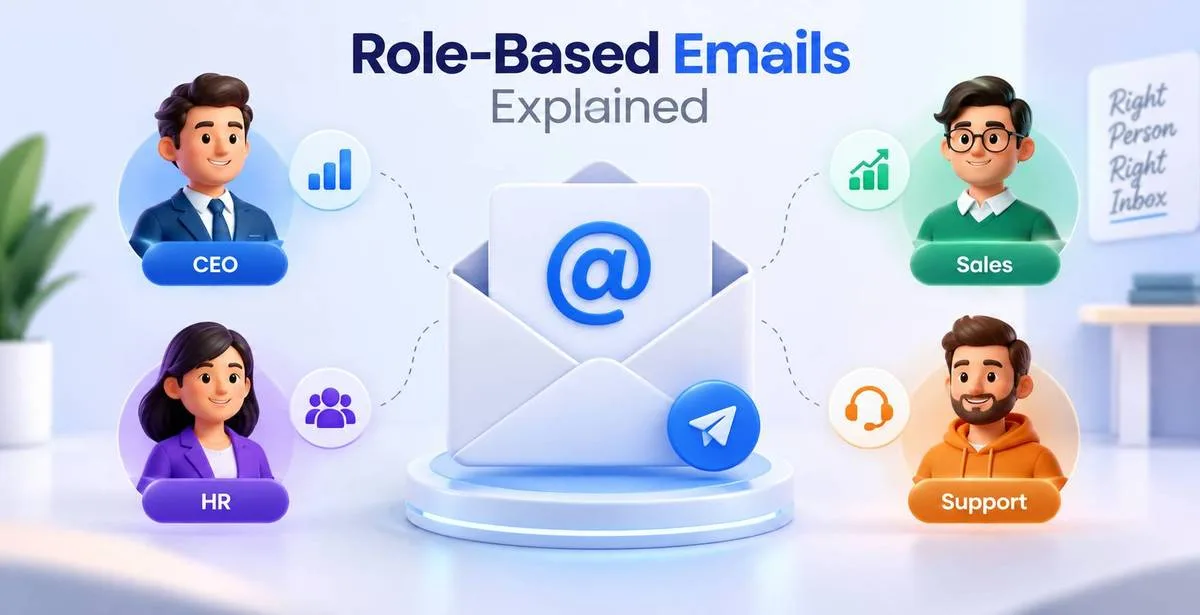
An role-based address refers to a functional address of a company. This means that these addresses are associated with a function, not with a person. Examples of role-based addresses are info@, support@, sales@, hr@, careers@, billing@, admin@, contact@, orders@, press@, webmaster@, postmaster@, abuse@, hello@, team@, noreply@. Nobody signed up for "[email protected]" the way they signed up for "[email protected]." Typically, the inbox is a department, a shared support tool like Zendesk or Freshdesk, or even a distribution list and then four people get copied on the email and they all just ignore it.
That's why marketers fear these emails. When five people share an email account, but nobody wants to answer the email, it is likely that one of the five marks the email as spam instead of deleting it.And when a mailbox provider sees repeated spam complaints tied to a domain, it doesn't only ding that one address - it starts trusting your entire sending domain a little less.

Why they end up on your list in the first place
Most people don't add role-based addresses on purpose. They show up because:
- A contact form on someone's website only offers info@ or contact@
- An employee scraped or pulled a list from a company's public "Contact Us" page
- Someone used their team's shared inbox to download a lead magnet instead of using a personal account
- A conference badge scanner picked up whatever email address was printed on the badge (common for smaller vendors to use sales@ or hello@)
None of these are red flags on their own. A five-person local business might genuinely run everything through info@ because there's no dedicated marketing person to give out a personal address. A 3,000-employee enterprise, on the other hand, probably has info@ routed to a support queue that a marketing email will never reach a human through.
The deliverability side, without the scare tactics
Here's what actually happens, based on running a fair number of these campaigns myself.Role based inboxes, especially in larger companies, can be managed through IT systems. Even if no human has reviewed the email for spam content, a system can automatically flag marketing emails as spam. For example, a system could be set up to automatically send emails that are sent from a shared mailbox to the spam folder by default. Microsoft 365 shared mailboxes and Google Groups both do this more often than people expect.
That matters because spam complaint rate is one of the heaviest signals mailbox providers use to judge your domain. It's not the address type itself that hurts you - a verification tool won't tell you "info@ is dangerous." What actually hurts you is the pattern: role-based addresses statistically generate more complaints and fewer genuine replies when you're sending cold, unsolicited marketing at scale.During a domain warm up phase particularly, even a slight increase in complaints can significantly damage reputation, since the reputation is still being built upon at this point.
I watched this happen directly with a client's newly warmed domain. Complaint rate sat around a steady, boring 0.02% for the first three weeks. The moment a segment containing a chunk of role-based addresses went out in a broader campaign, that number ticked up noticeably in the same send - even though open rates on that segment weren't bad. The emails were being seen. They just weren't being welcomed.
So - verify, or exclude?
Neither answer alone is right. The honest version is: verify first, then decide based on what the email is actually for.
Exclude, or send with extreme caution, when:
- You're doing cold outbound sales or marketing at volume
- Your domain is still in its warm-up window
- The offer has nothing to do with the function of that inbox (sending a marketing newsletter to abuse@ or postmaster@ makes no sense - those exist for reporting technical issues, not for anyone to browse content)
- You've never had a prior relationship or reply from that address
Keep and verify carefully when:
- You're sending transactional email an invoice to billing@, a shipping update to orders@, a support follow-up to support@
- Your recipient is a small business where the "role" address is actually read by a person, possibly the owner.
- The address has responded to you, meaning that there is a real person on the other end.
- You're doing account-based B2B outreach where procurement@, sales@, or partnerships@ is the correct point of contact by design
- not a mistake in your list, but the intended recipient
That last point is easy to miss. For B2B software and services, sales@ or partnerships@ is sometimes exactly who you should be emailing, because that's the address the company chose to represent that function externally. The potential for false negatives is significant when using role-based approaches to screening.
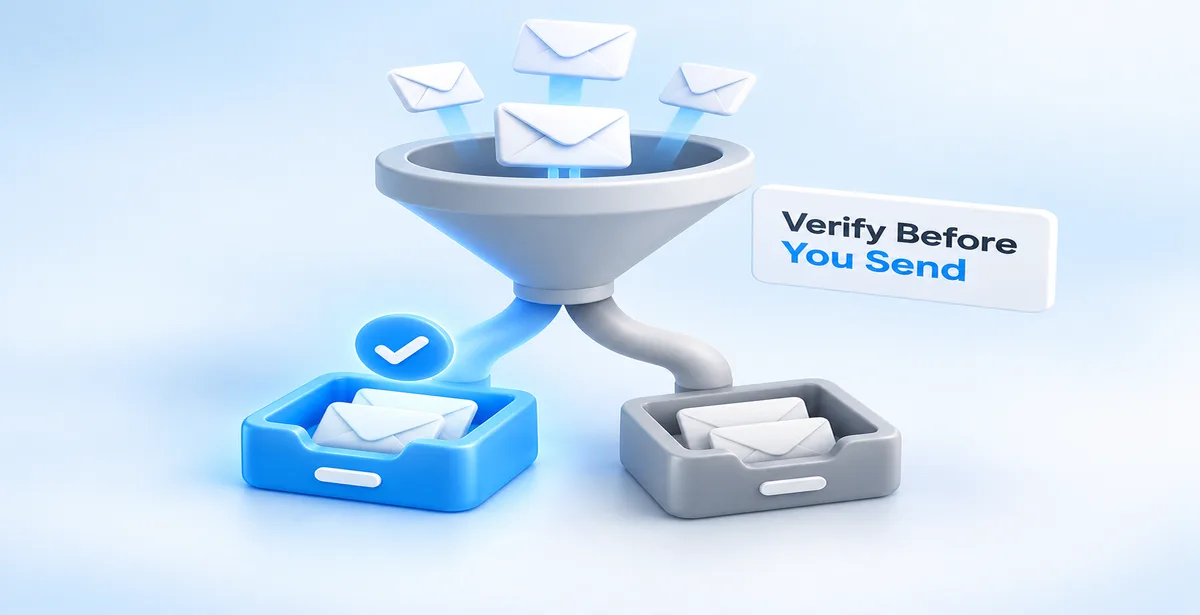
Where verification actually fits into this decision
This is really the whole reason role-based detection exists as a feature inside a verification tool in the first place — it's not there to make the decision for you, it's there to tell you which addresses fall into that category so you can decide with context.When you check an address list with Pingovo's verification, for each address you get information about whether the address is syntactically correct, whether the domain accepts mail, whether the mailbox is on a catch-all server, and whether the mailbox is role-based. Sometimes catch-all and role-based are confused with each other, although they are fundamentally different:catch-all means the server that accepts any email address sent to it, regardless of whether this address actually exists on the server. Role-based mailbox means that the mailbox is associated with a particular role (administrator, secretary, etc.) rather than a specific person. An address can thus function as a catch-all tag as well as a role-based tag, or not be a tag at all.
After you’ve added a role-based tag, whether or not that person can move on to another tag opportunity is a matter for segmentation, not verification. Pull role-based addresses into their own group. Send your cold campaigns to your verified personal-address segment first. If you're still warming up a domain in Pingovo, keep role-based addresses out of that early sending entirely — reputation building works best on the cleanest possible signal, and a handful of complaint-prone addresses can slow the whole process down. Once you have built a good reputation for a domain name, you can test small batches of relevant role-based addresses individually and scale up one by one rather than making assumptions and adding them all to a list en masse.
One more thing worth saying
I've had people ask me why we don't just build a feature that auto-deletes every role-based address the moment it's detected, since that would sound cleaner on paper. The reason is simple: it would quietly break things for a chunk of legitimate senders. A recruiter emailing careers@ at a company they're partnering with. An agency is about to send a proposal to partnerships@. A vendor is about to send a renewal notice to billing@ for a client who expects it. Automating that decision away from the sender assumes every use case looks like cold outbound marketing, and a lot of email sent through Pingovo isn't that at all. Flagging wins over deleting, nearly always, as the campaign manager knows their relationship with that address better than any tool can.
A few things people usually ask me about this
Does removing role-based addresses lower my bounce rate?
Not directly — bounces are about whether the mailbox exists, which is a separate check. Role-based addresses often do exist and accept mail just fine. What removing them affects is spam complaints and engagement quality, not bounces.
Should noreply@ addresses even be on a list?
Almost never for outbound sending. Noreply@ exists specifically so nobody replies to it - including you.
Is a small business's info@ address worth keeping?
Frequently, yes. Context matters more than the label. If it's a small operation, that inbox might be the owner's actual inbox.
The term role-based is valuable information and should be used as such, not as a dismissal. Take it the same way as if someone told you that a phone number belongs to a shared office line and not a personal cell phone; it informs you of a nuance in the situation and should affect your behavior accordingly, but not keep you from calling the number altogether.